Case Study
A case study on improving operational efficiency, reducing errors, and streamlining training in a metal processing facility by creating user-centric software.
United Catalyst Corporation (UCC) is a Metal Processing & Recycling Company known for providing transparent, fast, and environmentally responsible metal recycling solutions.
UCC faced new difficulties as they discovered that their IMS (inventory management system) couldn’t keep up with the volume of new incoming materials needing to be processed. The laggy system was frustrating their warehouse team, and we were called in to fix the problem.
I led the research and design process of this project.
United Catalyst Corporation
Lead UX/UI/UXR Designers
Custom Enterprise Software
2024
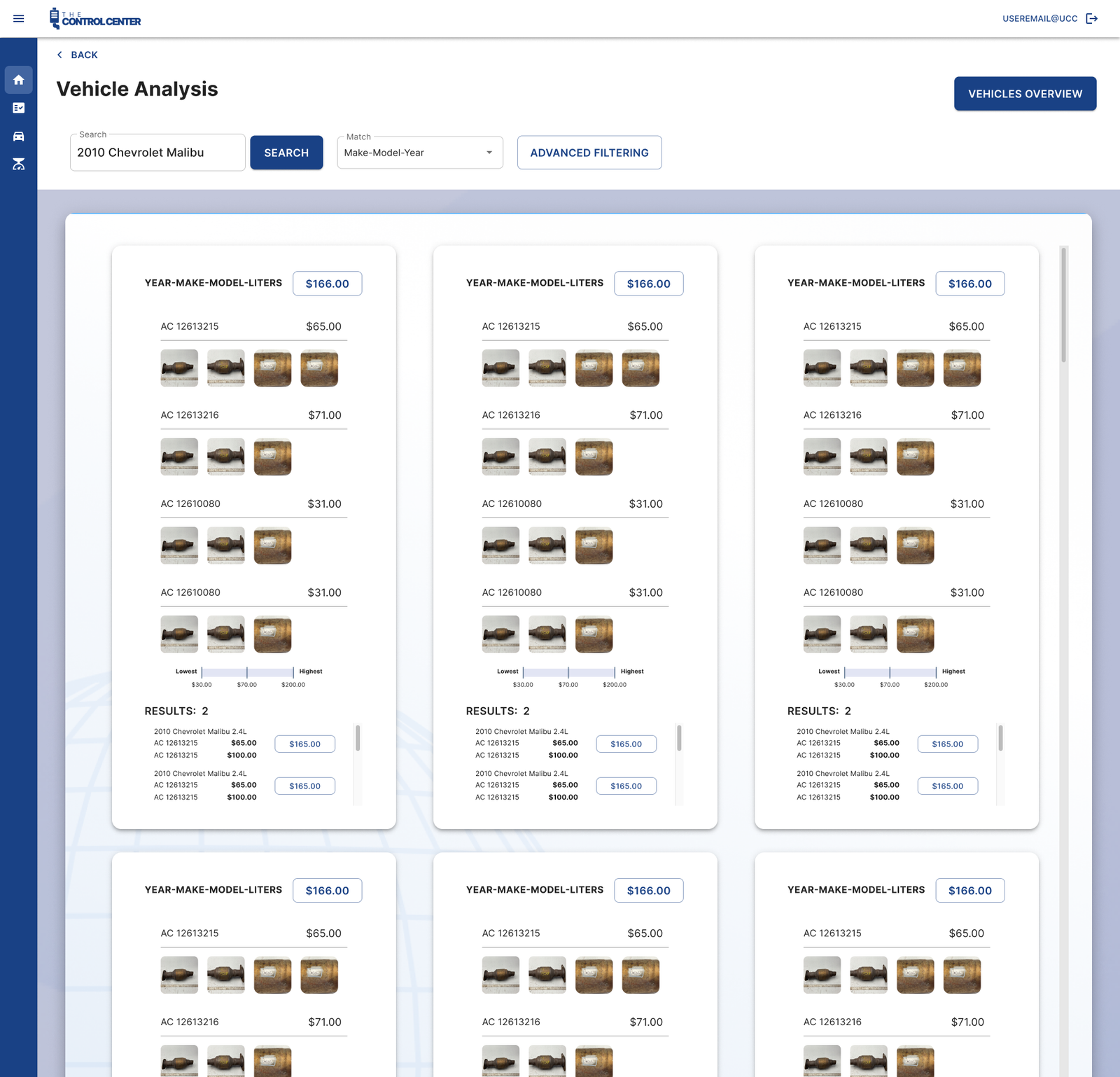
Replace the current system with a custom software solution that would streamline the current workflow.
Warehouse workers were overwhelmed by the sudden surge of materials requiring inventorying. There was no standardized process, and onboarding new employees was extremely time-consuming.
-83% Reduction in workflow time.
-87% Reduction in errors made.
-80% Reduction in training time.
After speaking with stakeholders about their objectives and goals for the outcome, it was time to learn more about the users and what they needed. I was provided with the last six months’ worth of data on error rates, processing times, and documentation accuracy from the existing process to establish benchmarks for improvement.
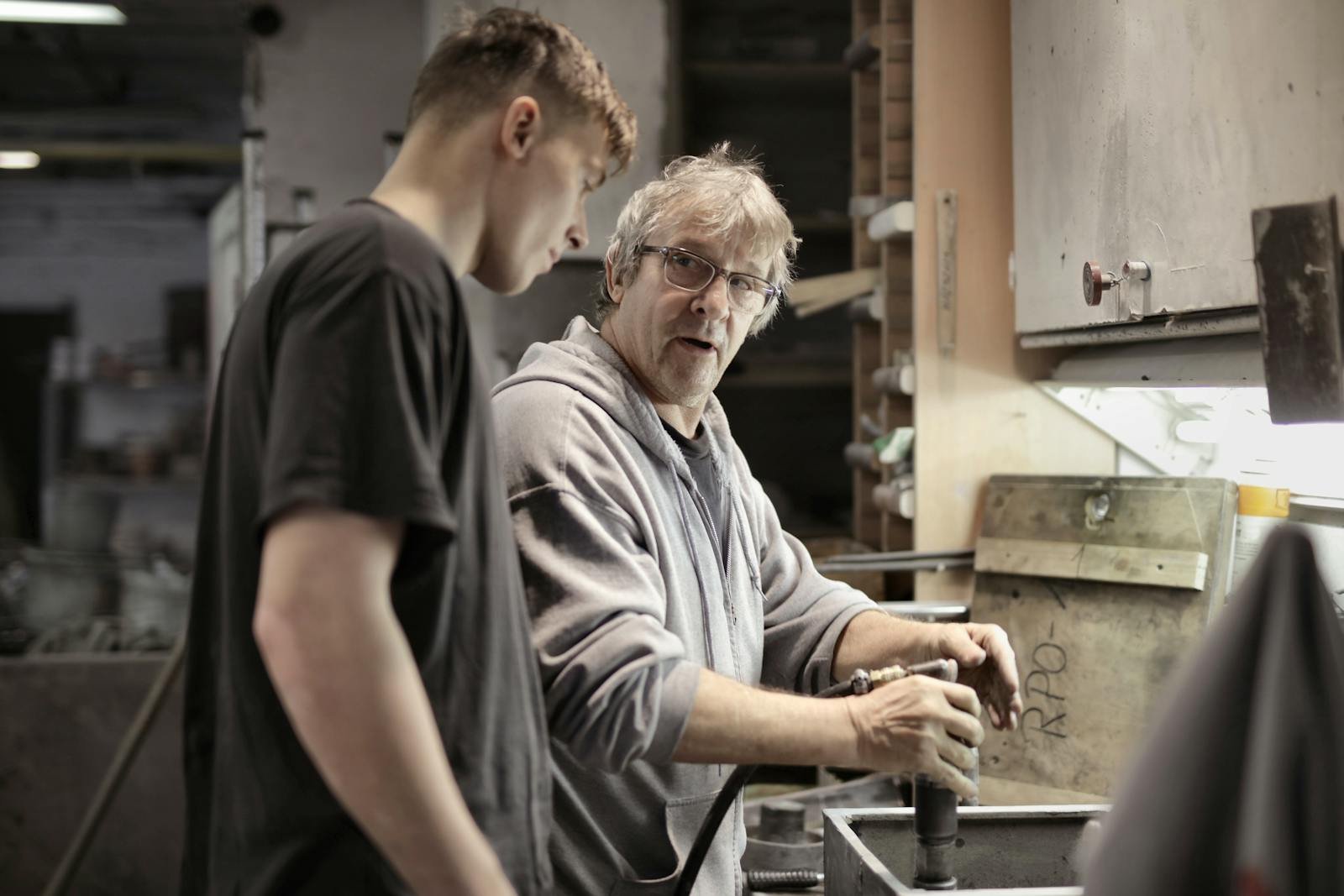
Admittedly, I’m a sucker for getting my hands dirty when it comes to understanding my users, and decided that in-person observation was absolutely needed to fully understand and define the problem.
We need to understand how the users currently navigate the current system, where the bottle neck is, and see if there is something the users are universally struggling with.
2 Users with less than six months of experience.
4 Users with at least five years of experience.
I observed the existing process of inventorying and cataloging by each of the users in the study. This allowed me to identify pain points, and under stand the process from the users’ view point.
Interviews were conducted with warehouse staff to gather quantitative data on their experiences and challenges with the current process. I spoke to each user one-on-one to better understand their thoughts on the process.
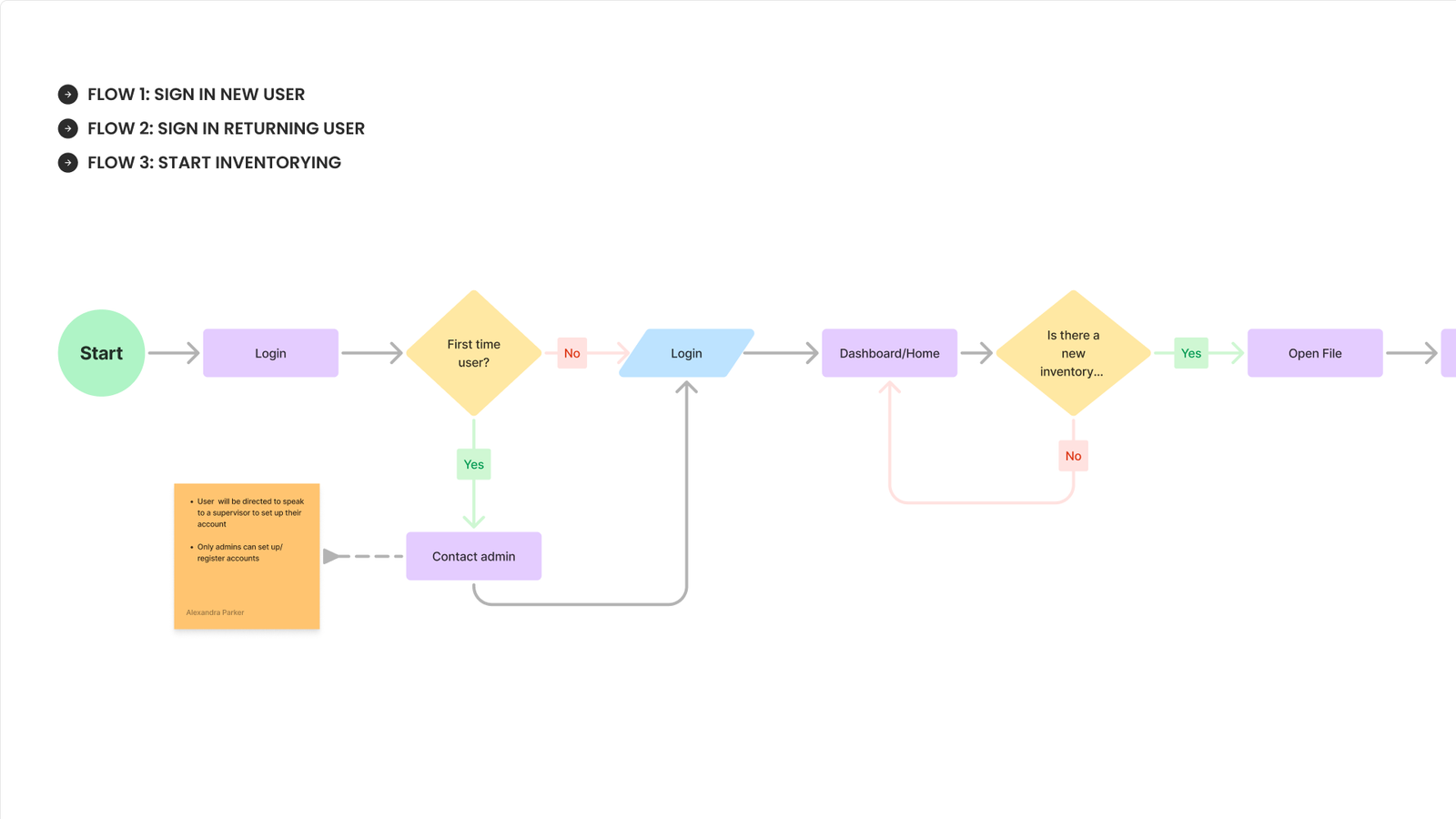
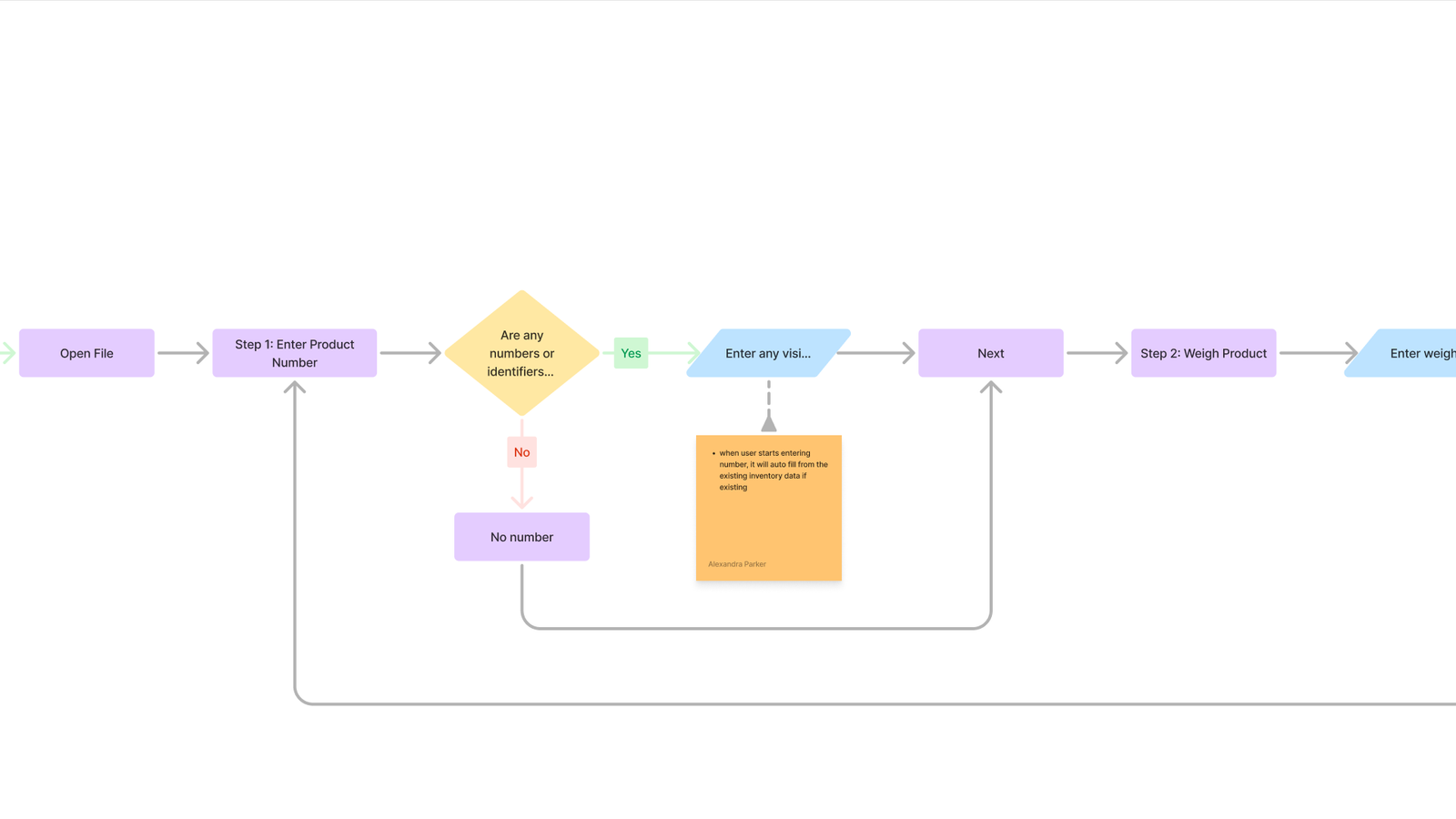
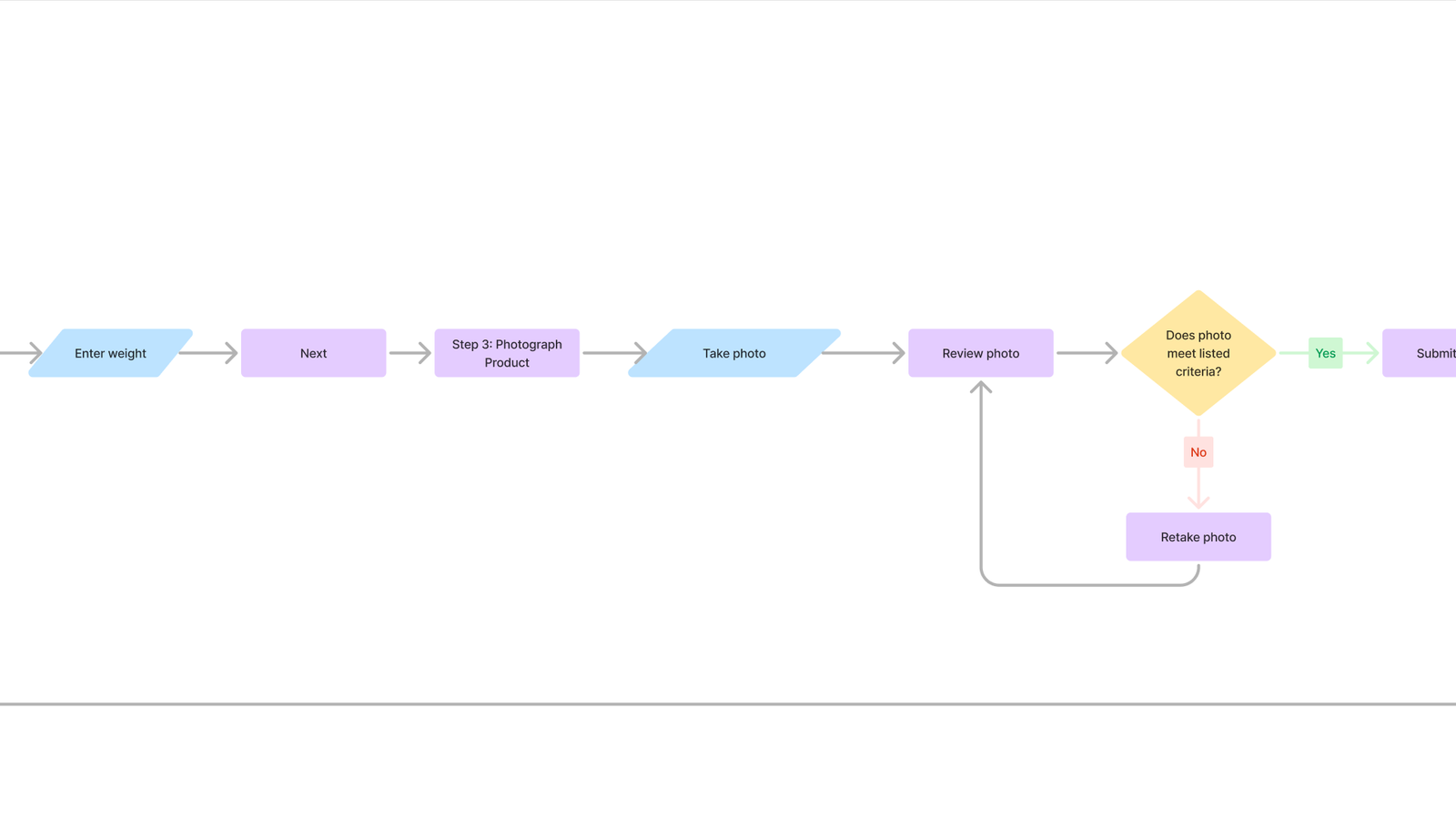
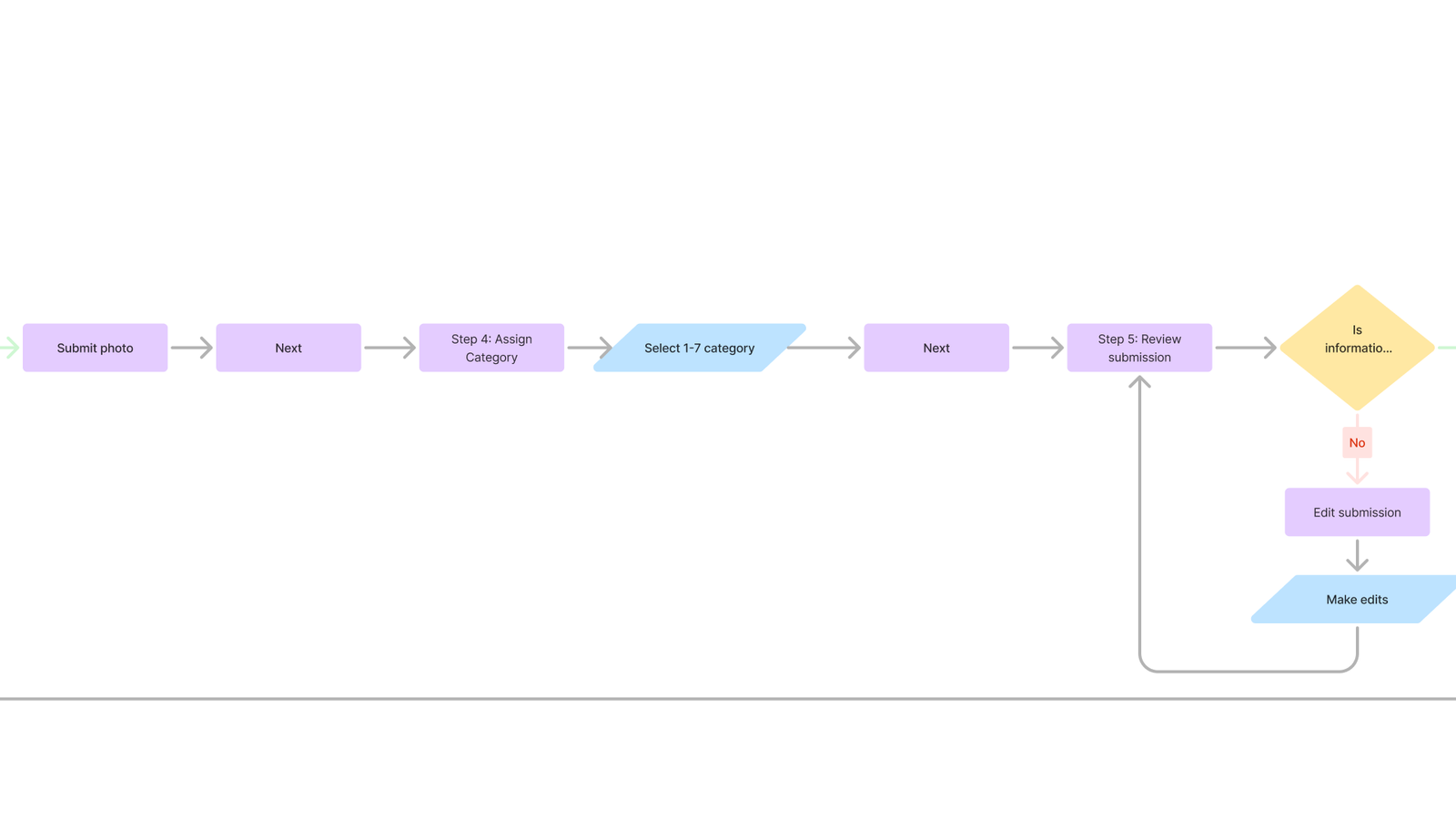
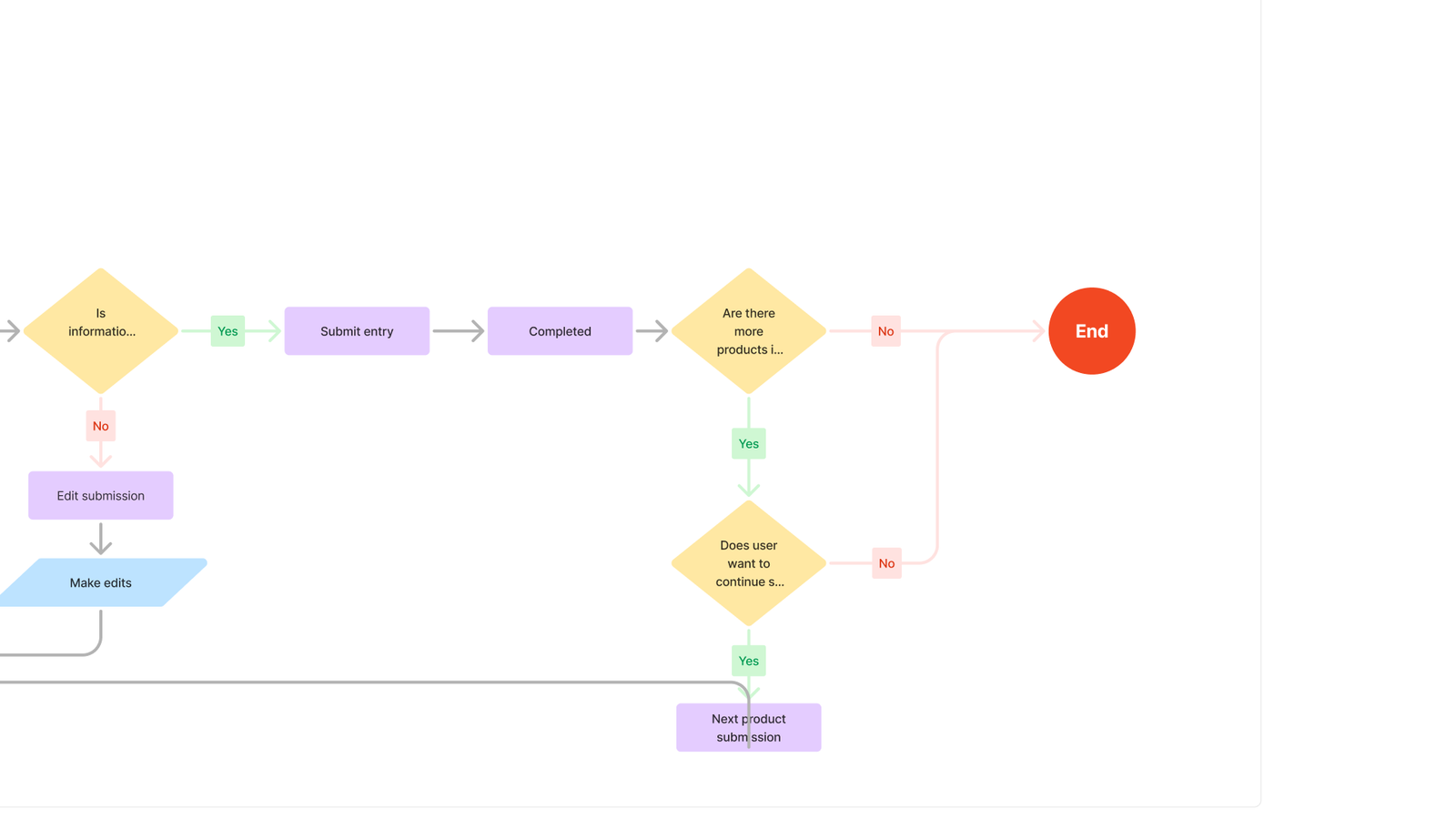
I analyzed the workflow of each user, mapped out each step involved in the current process, and then met with users to review and get feedback on potentially missed steps.
“As a warehouse technician, I need a user-friendly application that guides me through the steps of inventorying metal materials so that I can complete my tasks efficiently and consistently, regardless of my experience level.”
Two users were identified: an experienced and a new worker. For this case study, they have been combined into one user due to the similarity of their personas.
Both experienced and new workers found the current IMS system to be confusing and complex.
Each user had a different workflow, no established SOP or guidelines for workers to follow.
New users had to frequently stop experienced workers to ask for help, slowing productivity down.
The current hardware in use is not suitable for a warehouse environment. A desktop is currently being used, and frequently freezing, and breaking due to warehouse dust and conditions.
The lack of standard procedure resulted in inaccurate data entry, both experienced and new users are entering data that is not correct.
-Process Observations
-User Interviews
-Data Synthesis
-Brainstorm & Conceptualize
-Personas
-User Journey Maps
-Workflow Analysis
-Information Architecture
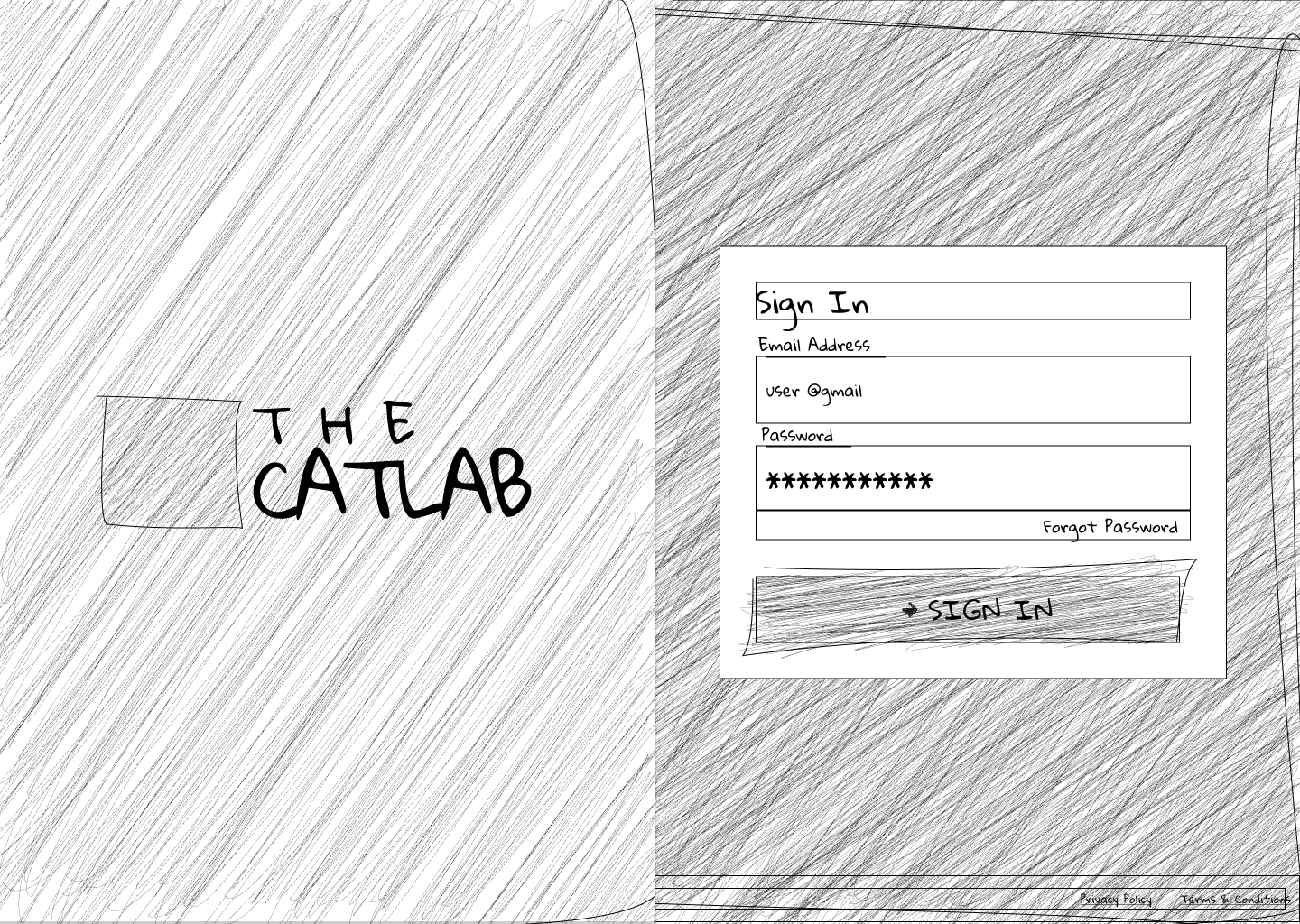
-Sketches
-Wireframes
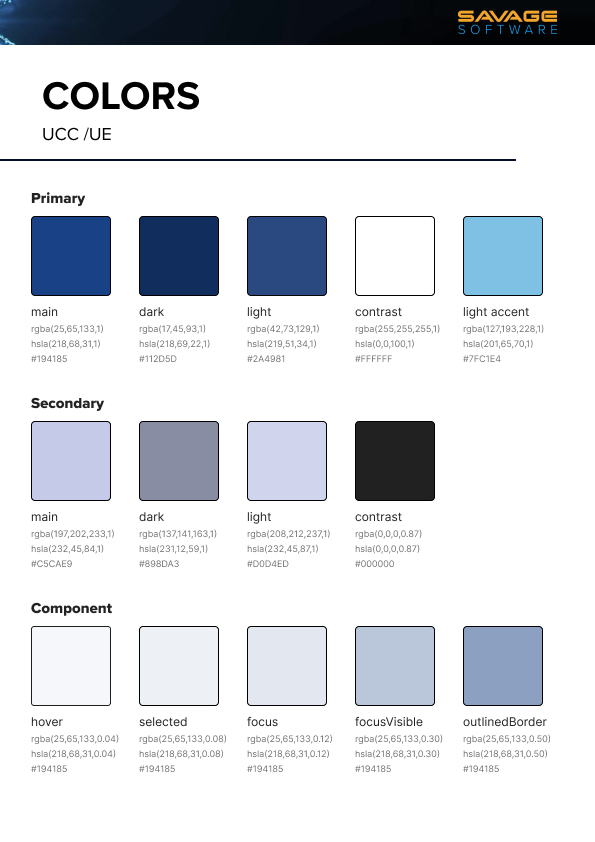
-Design Library
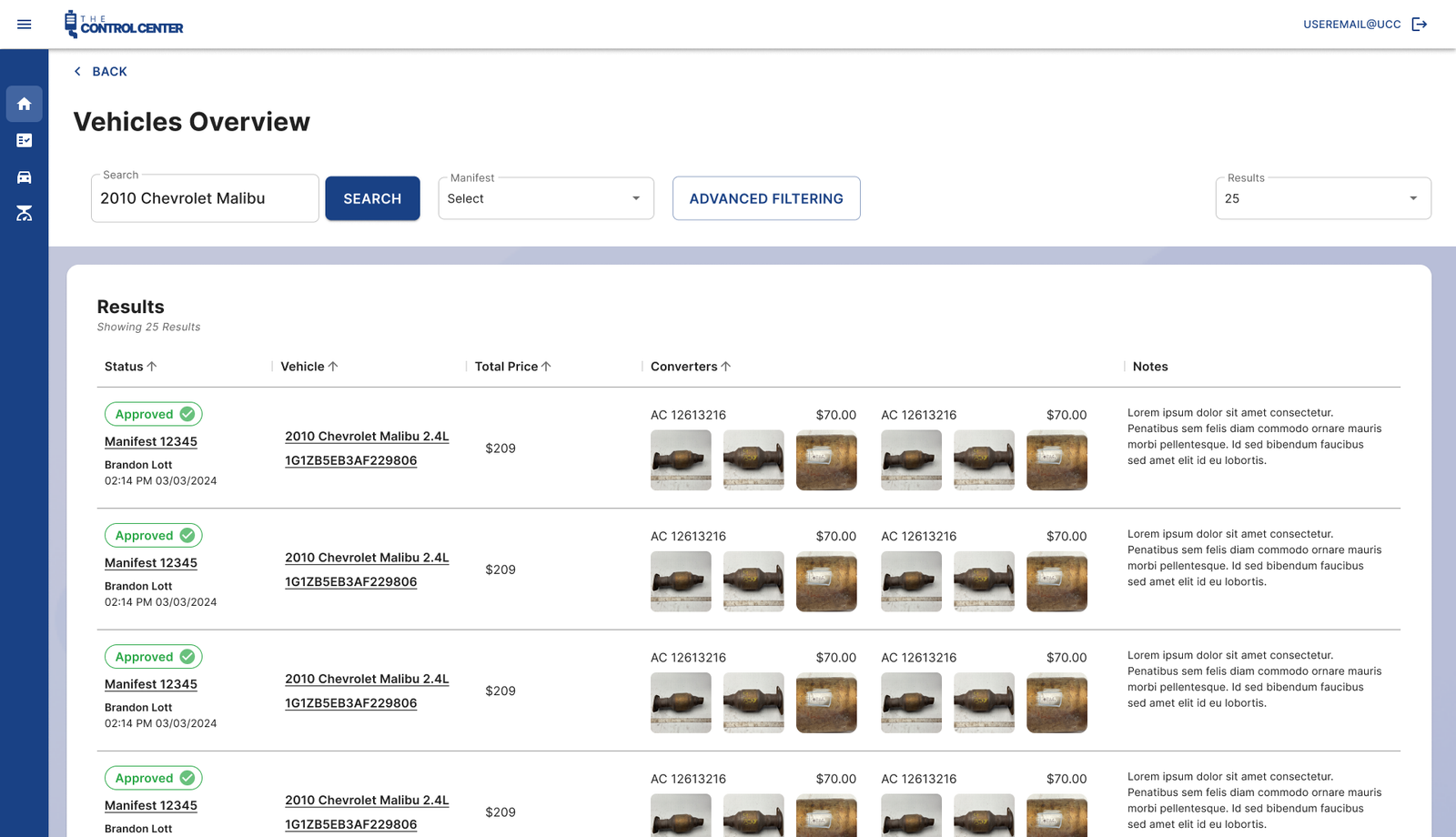
-Mockups
-Usability Testing
-Field Observation
-User Interviews
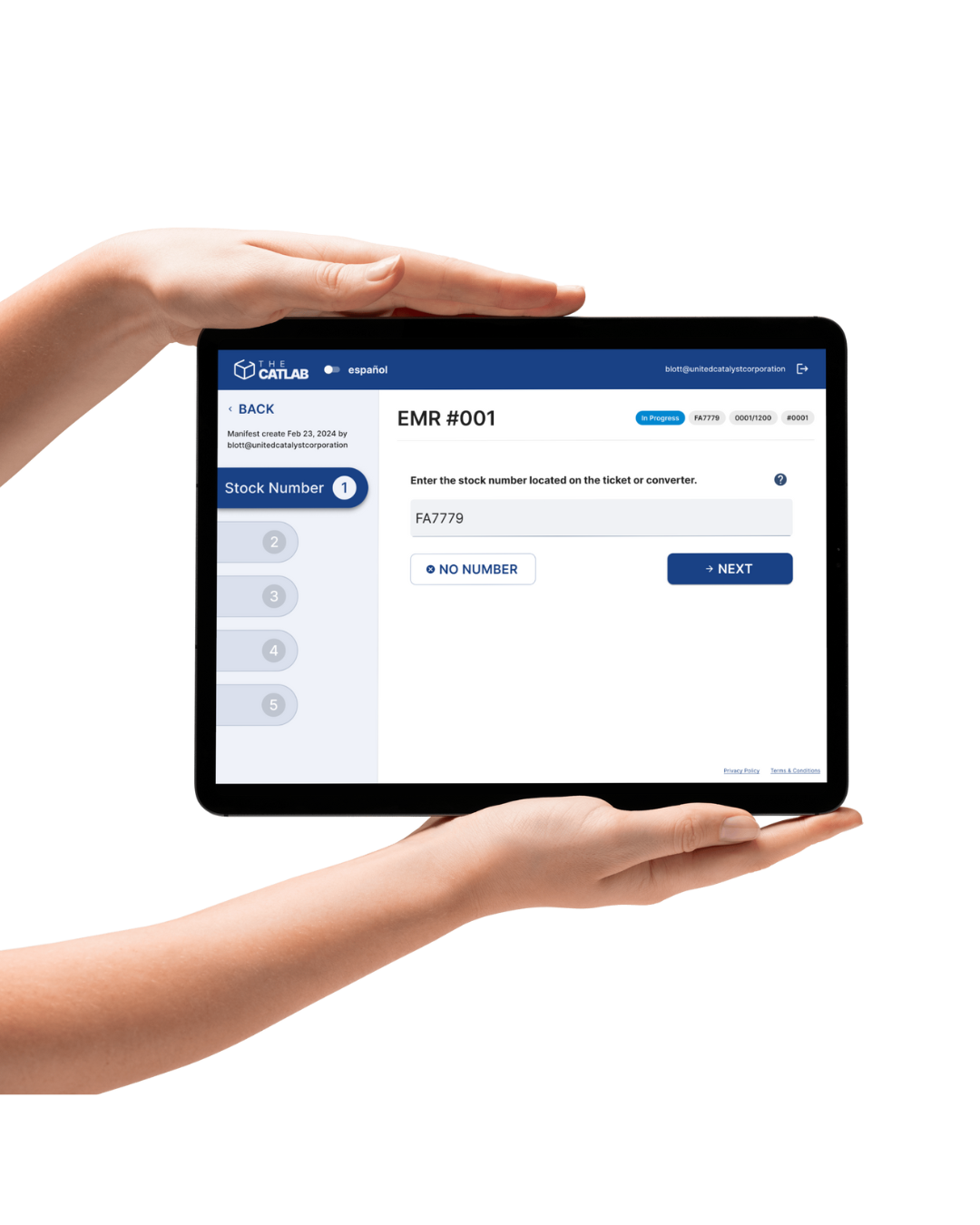
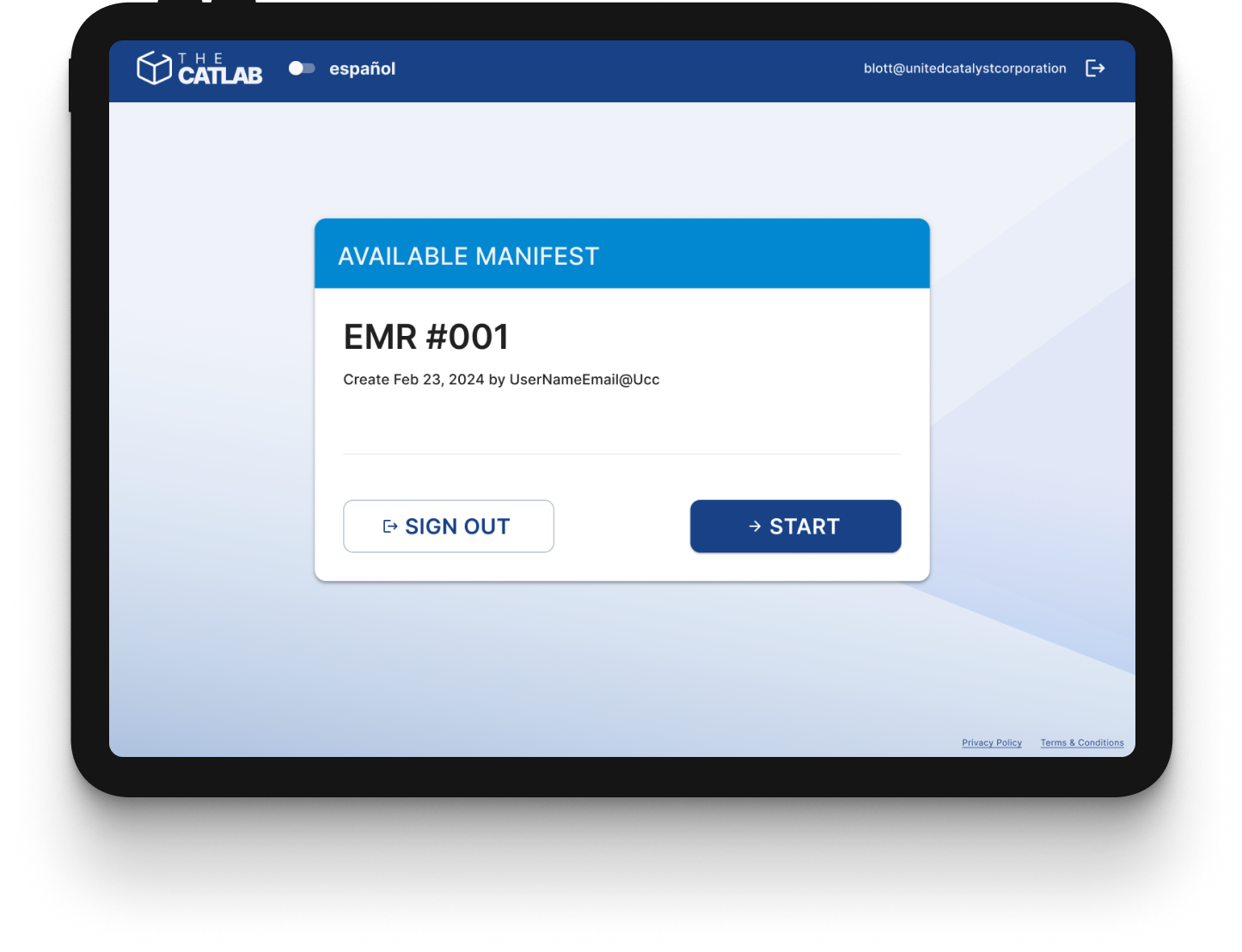
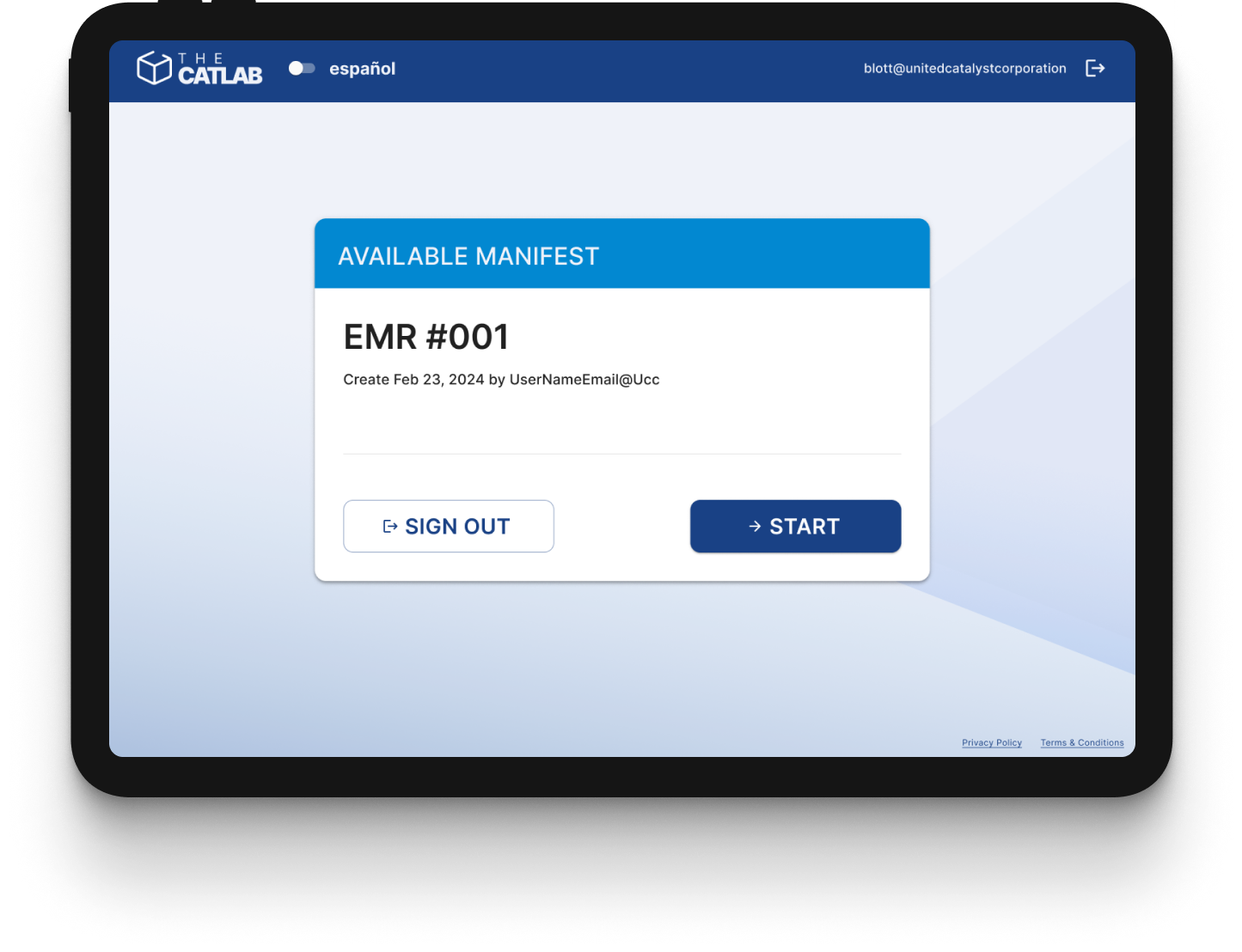
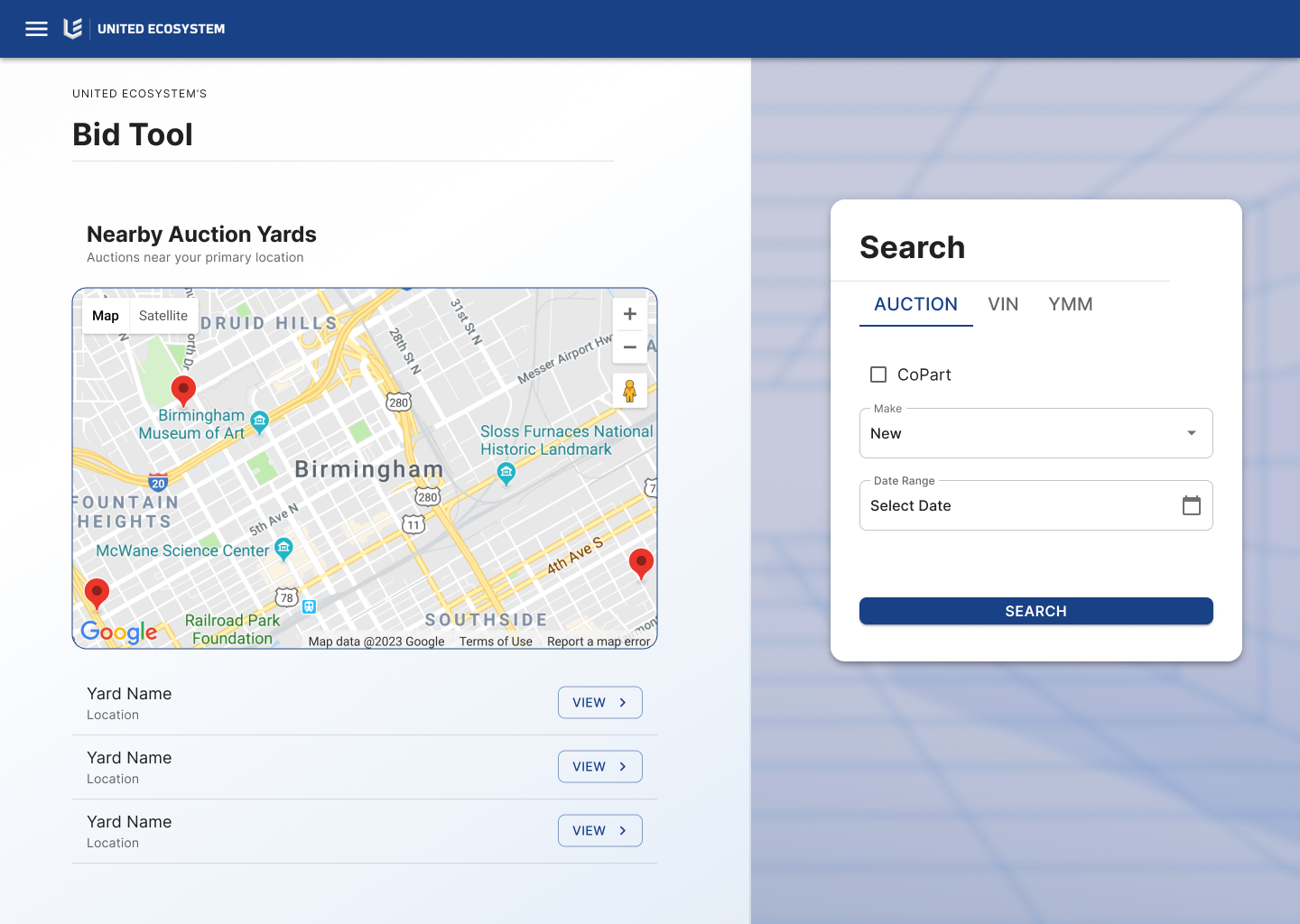
Given the dusty environment of the warehouse, it was recommended that the software be developed for a tablet. This would provide portability, enabling the device to move with the users, while also allowing for the addition of a military-grade case to protect the hardware from potential damage.
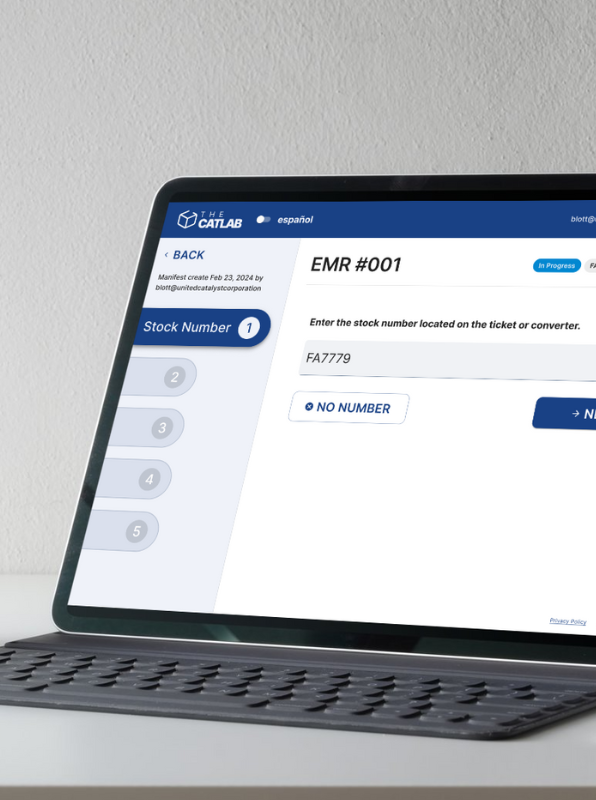
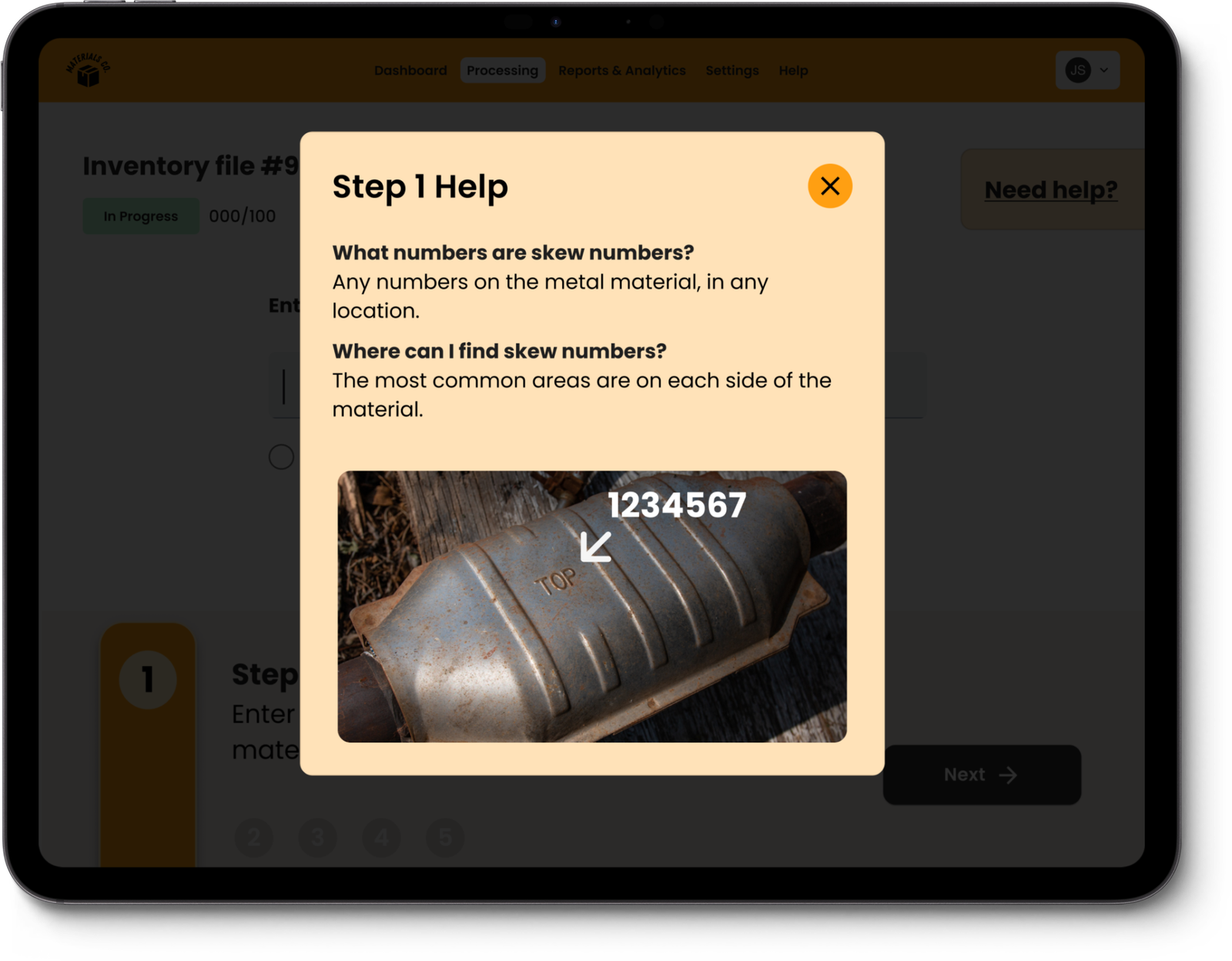
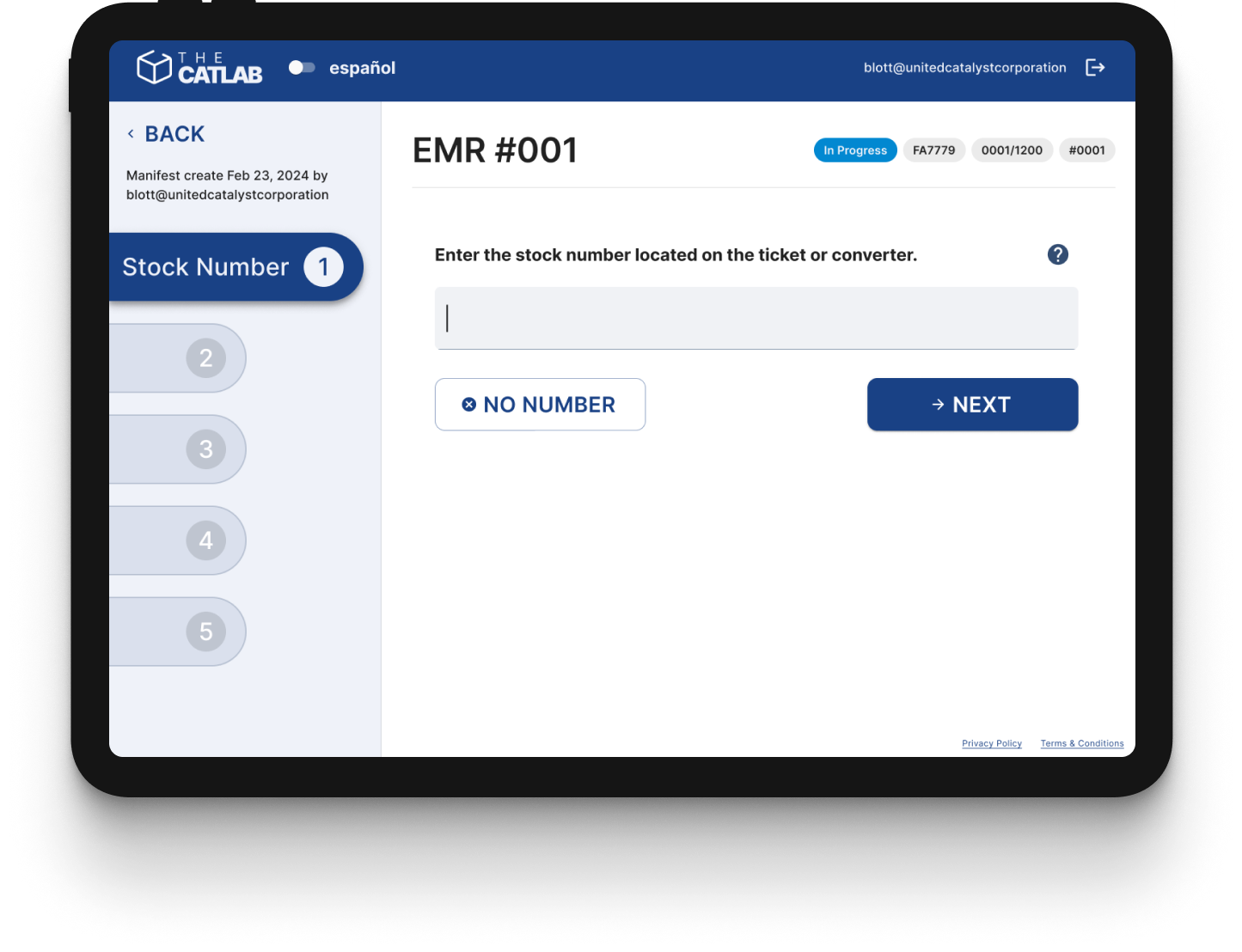
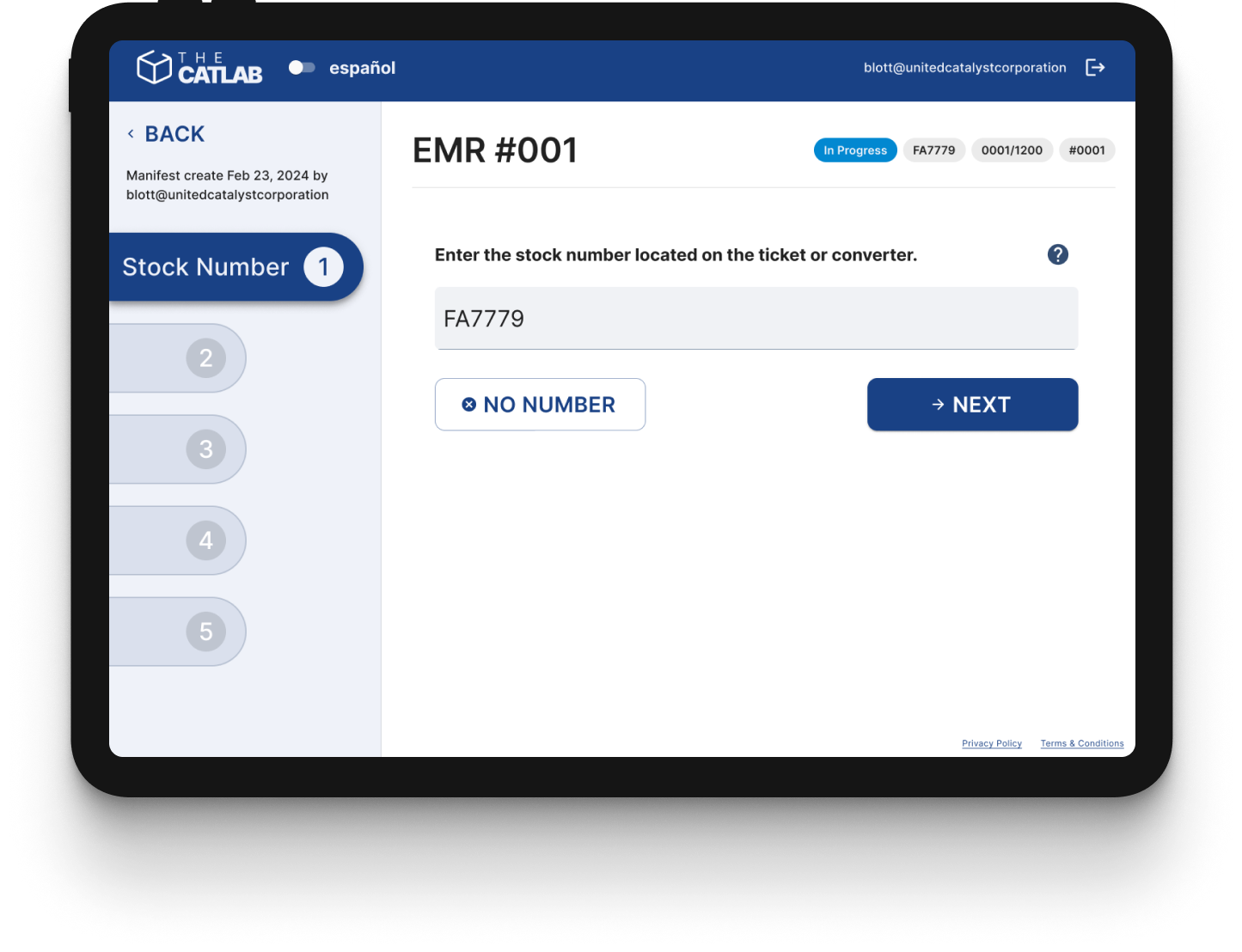
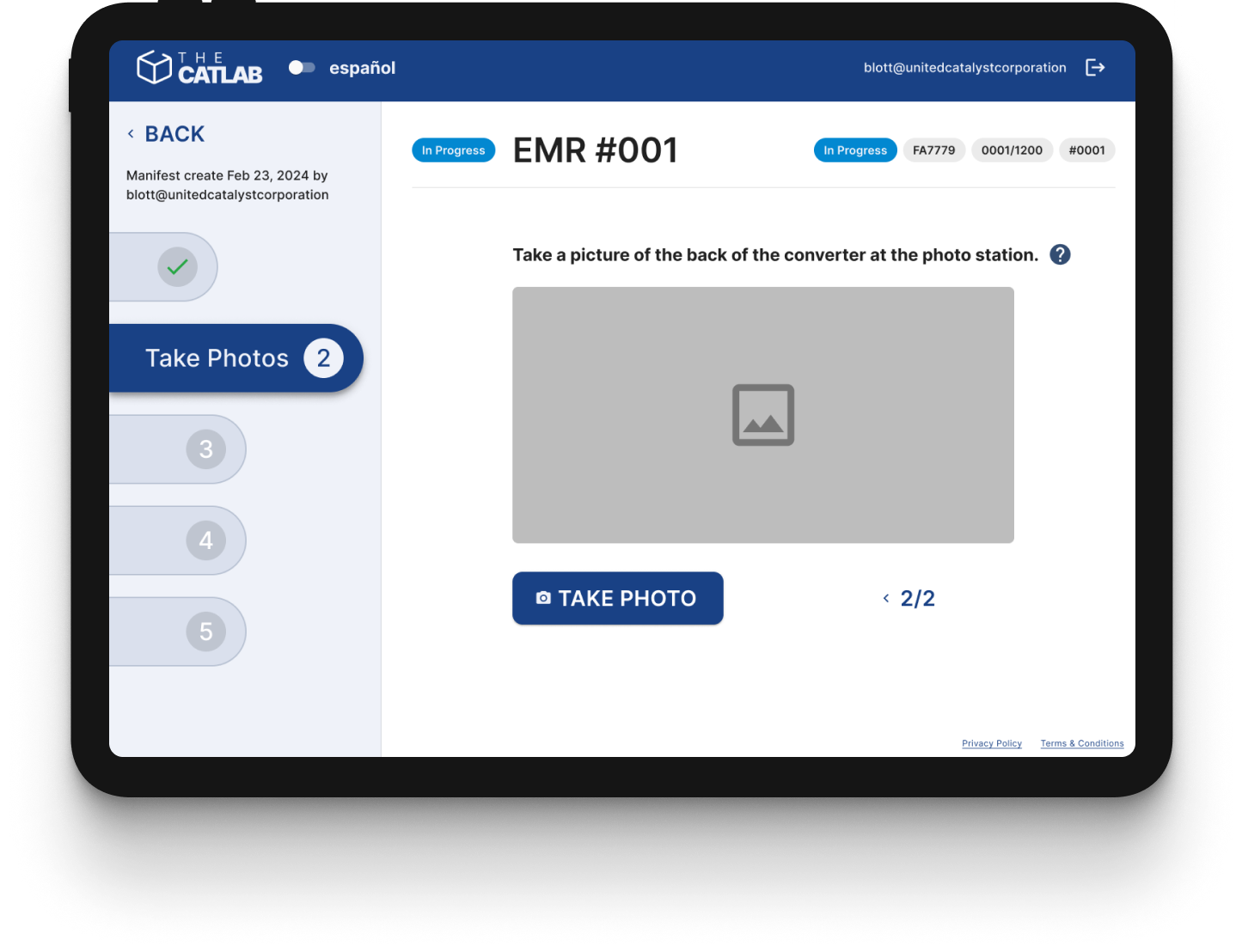
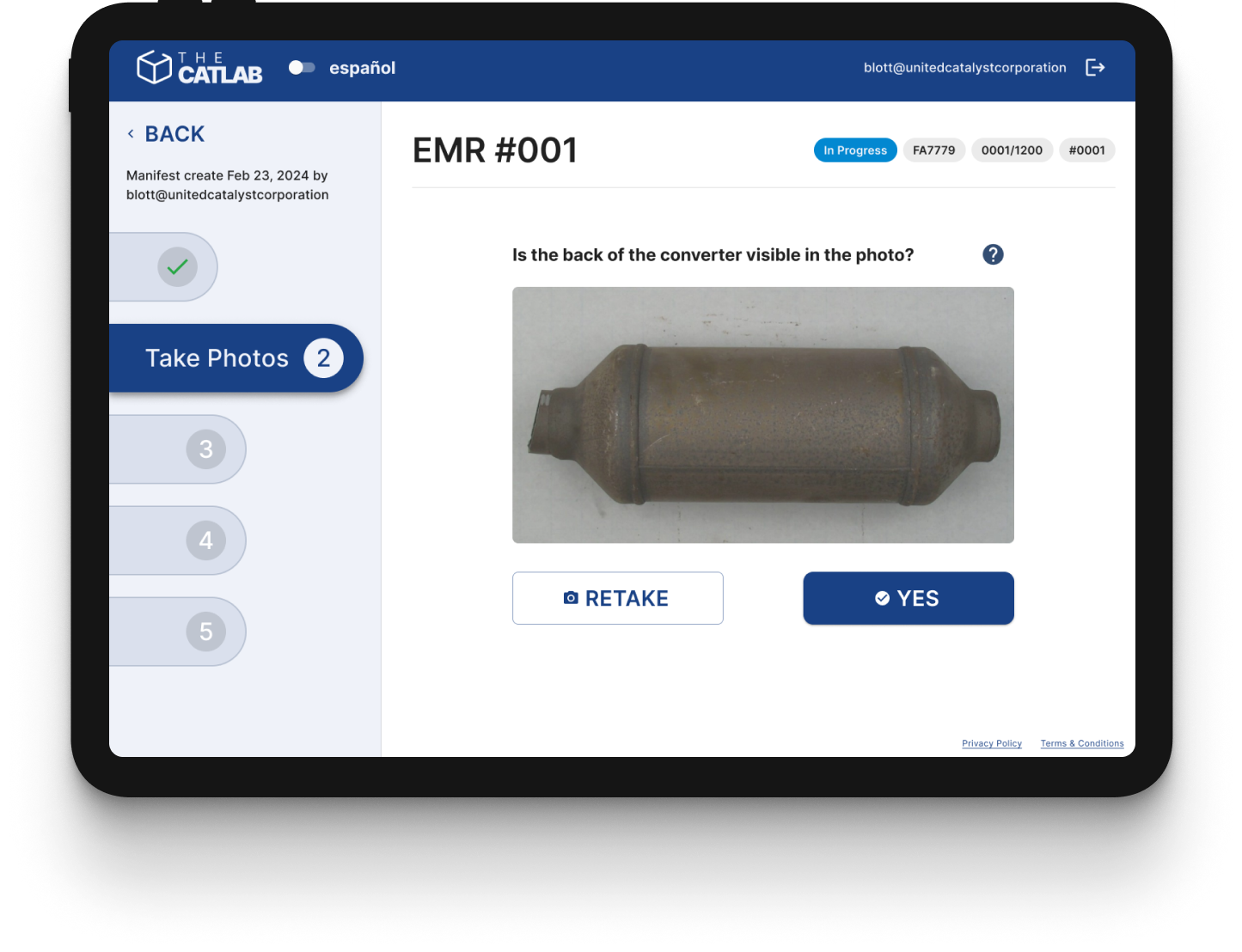
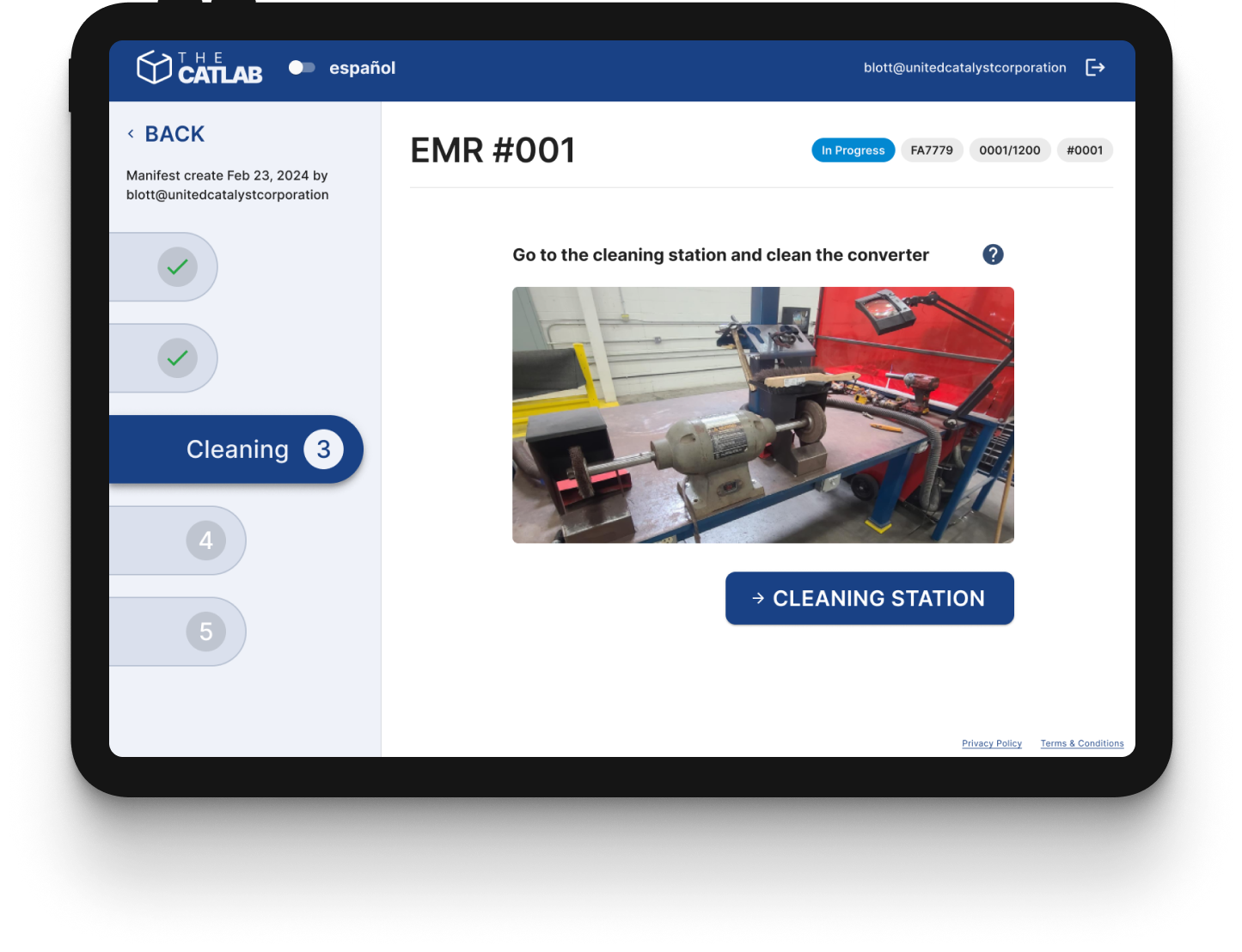
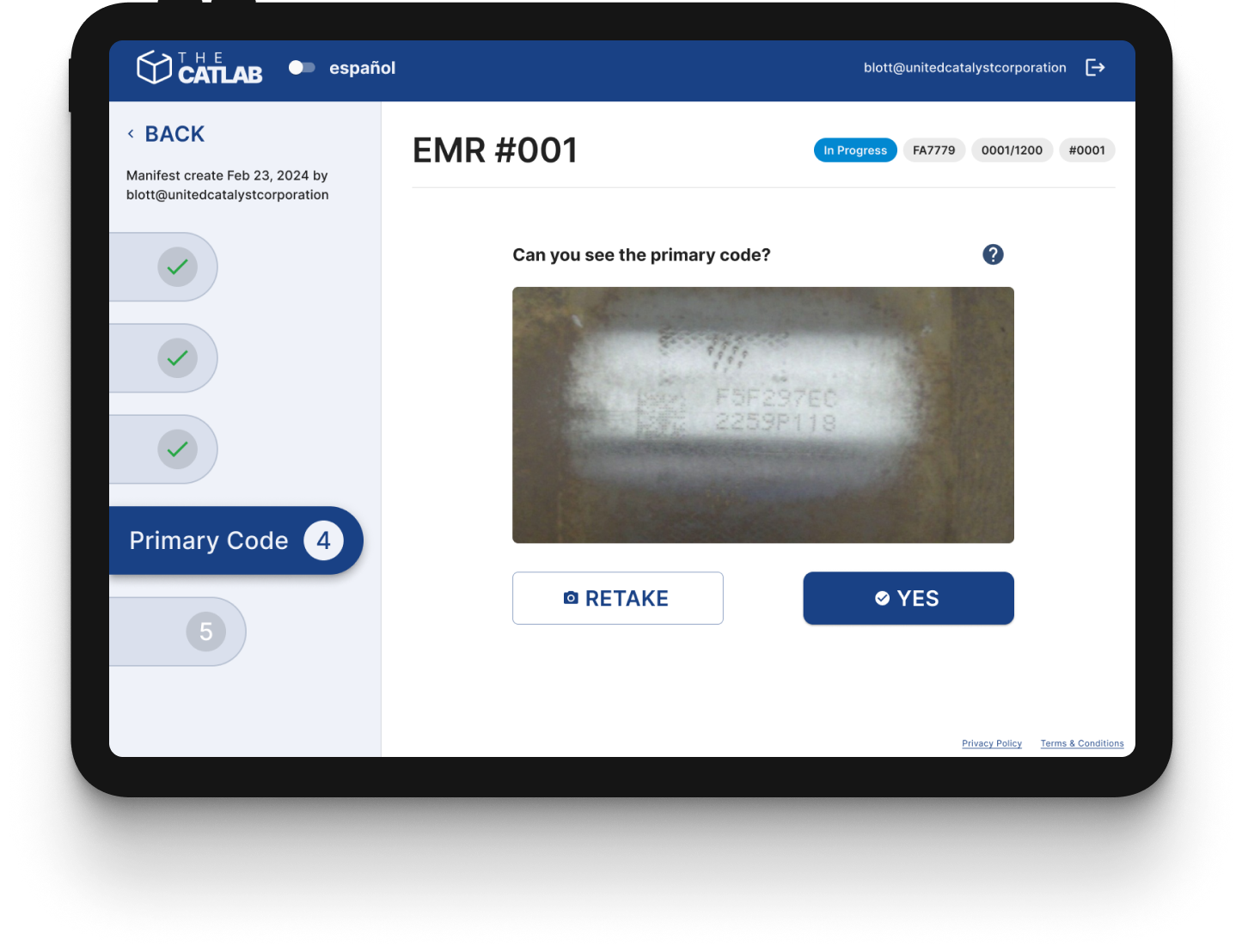
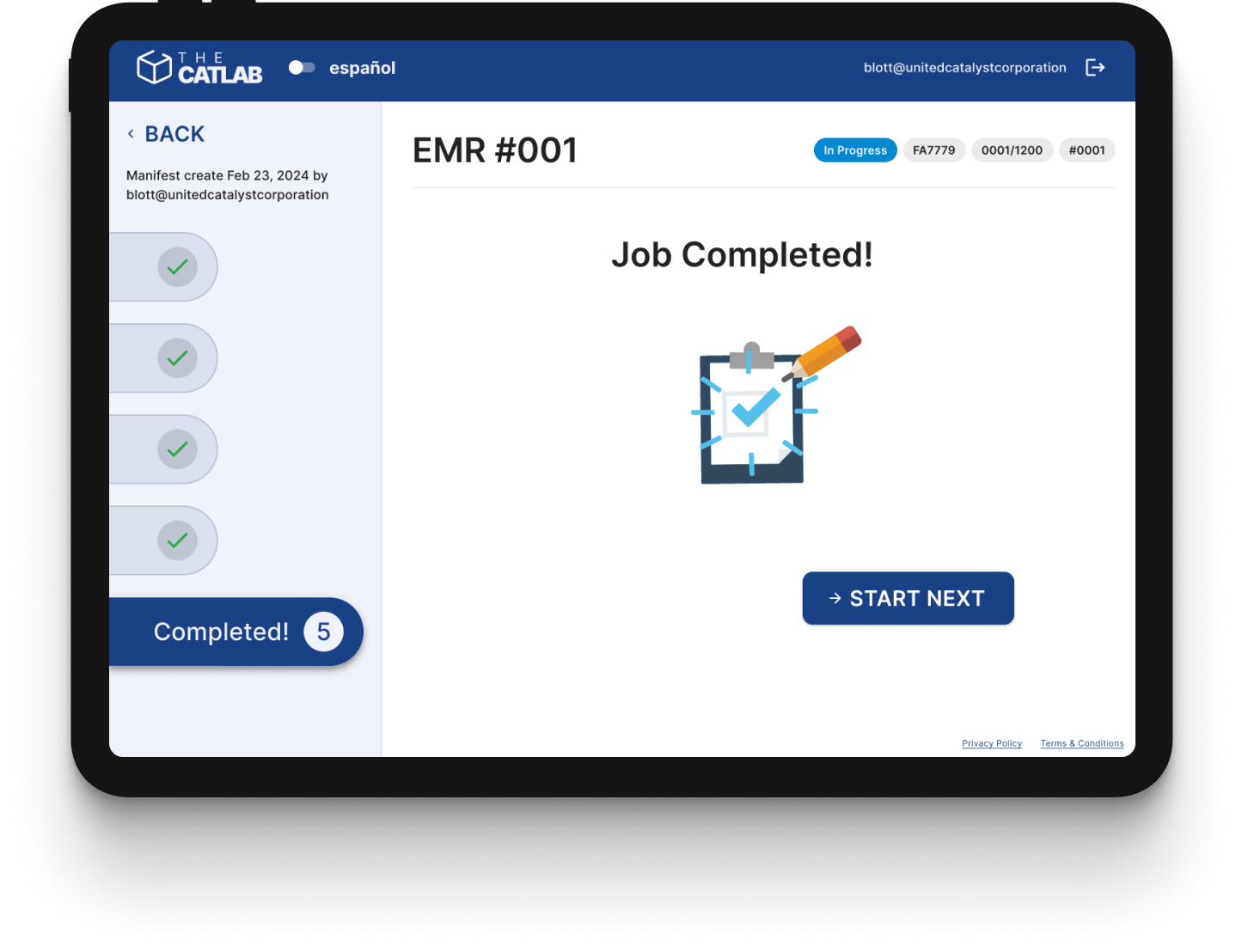
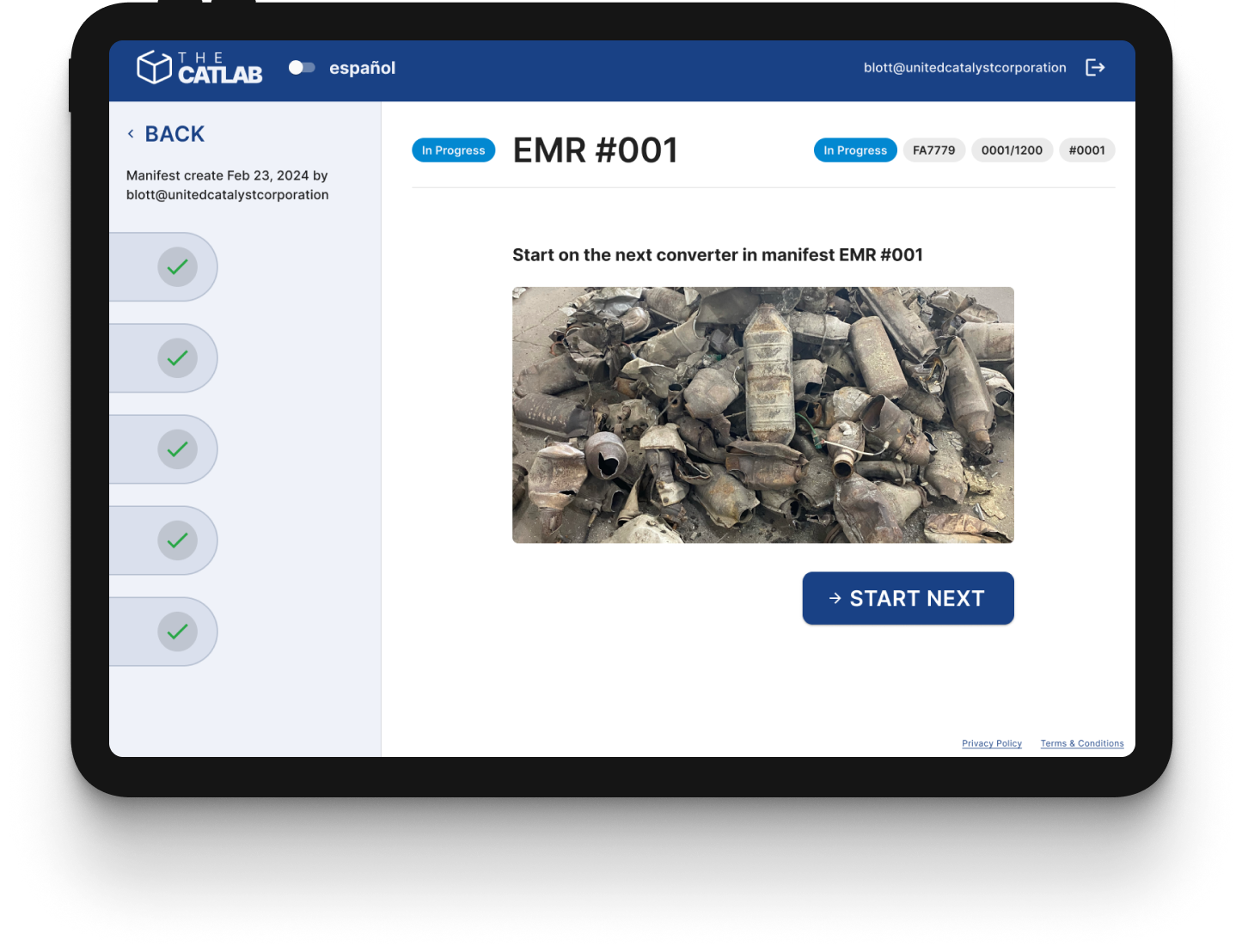
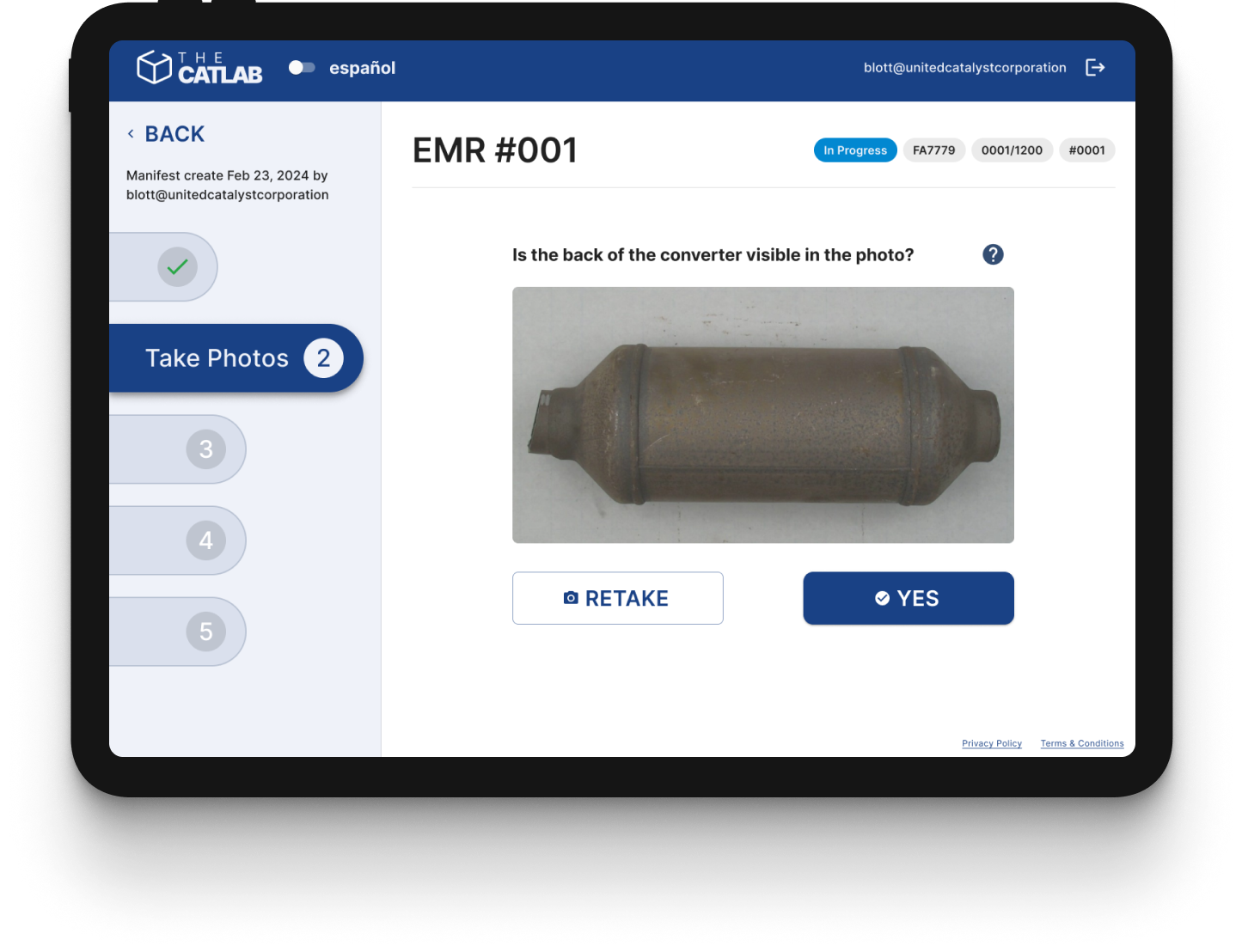
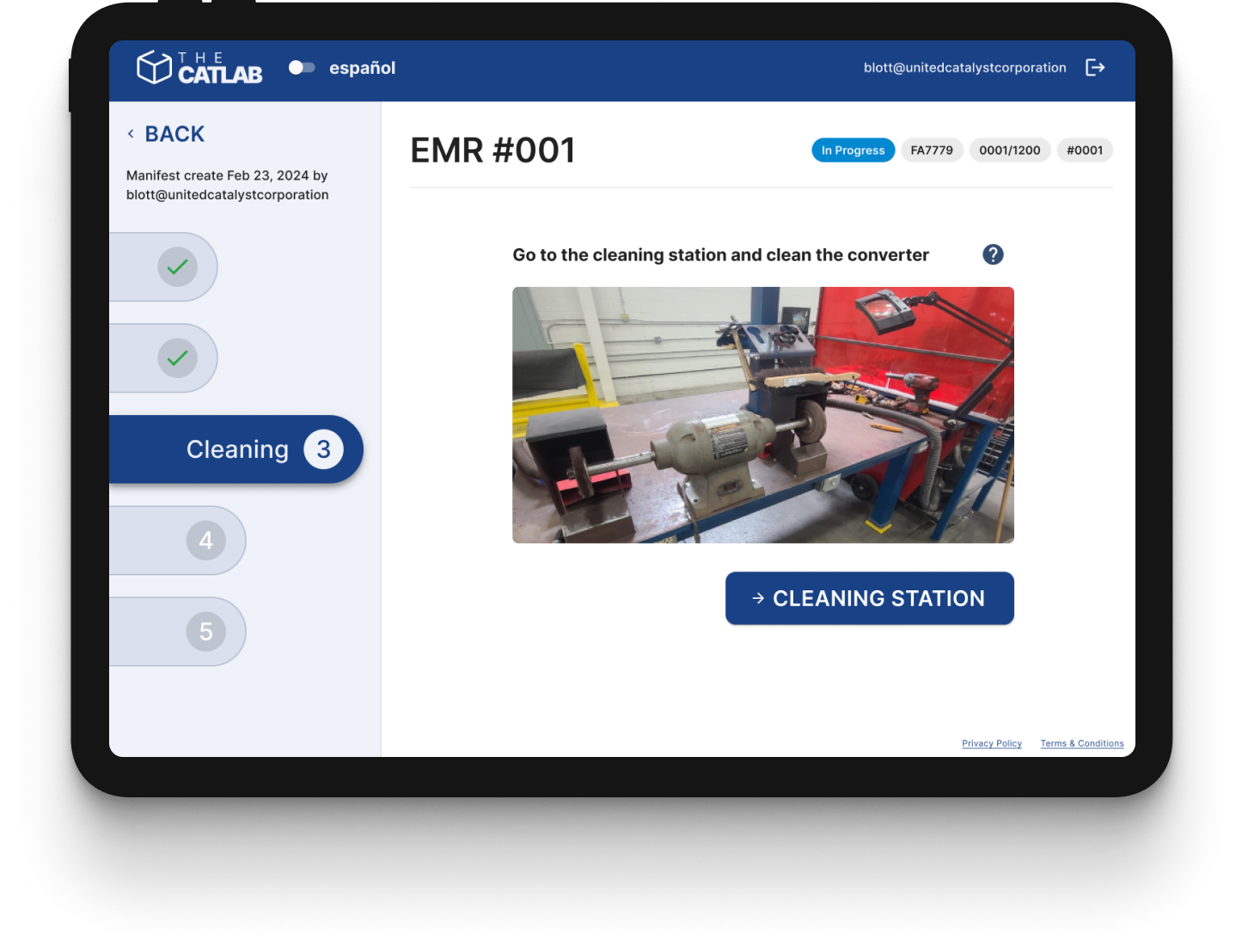
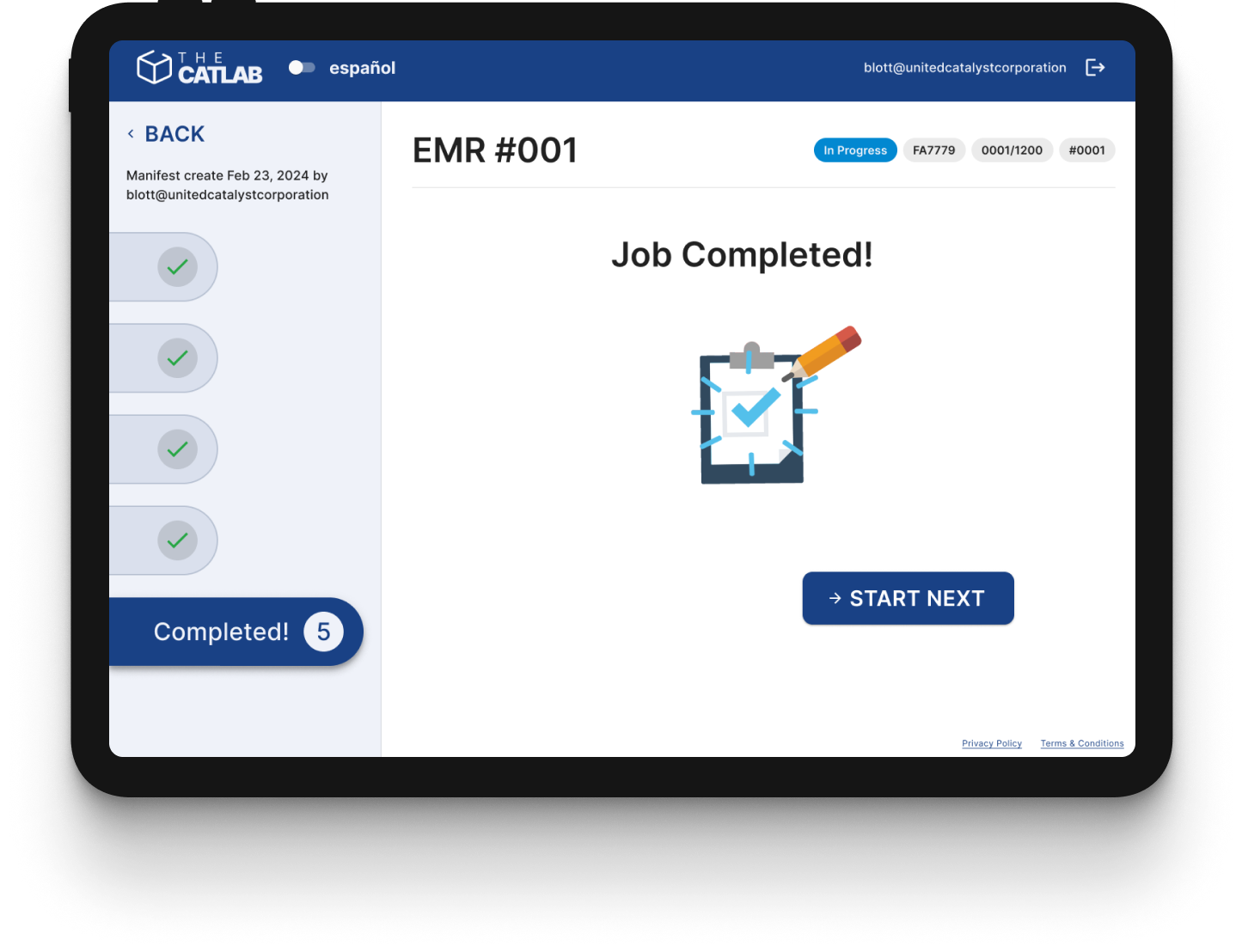
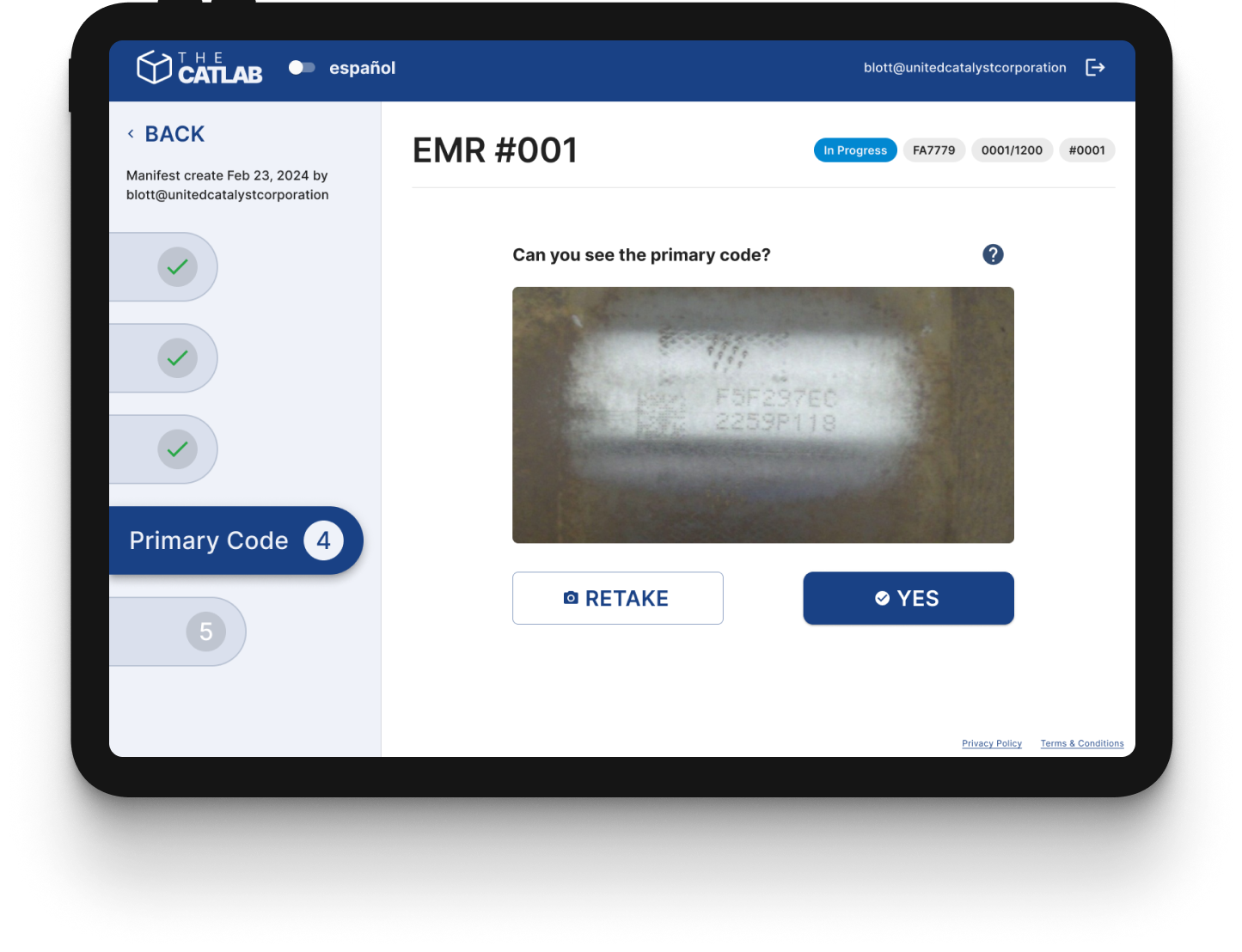
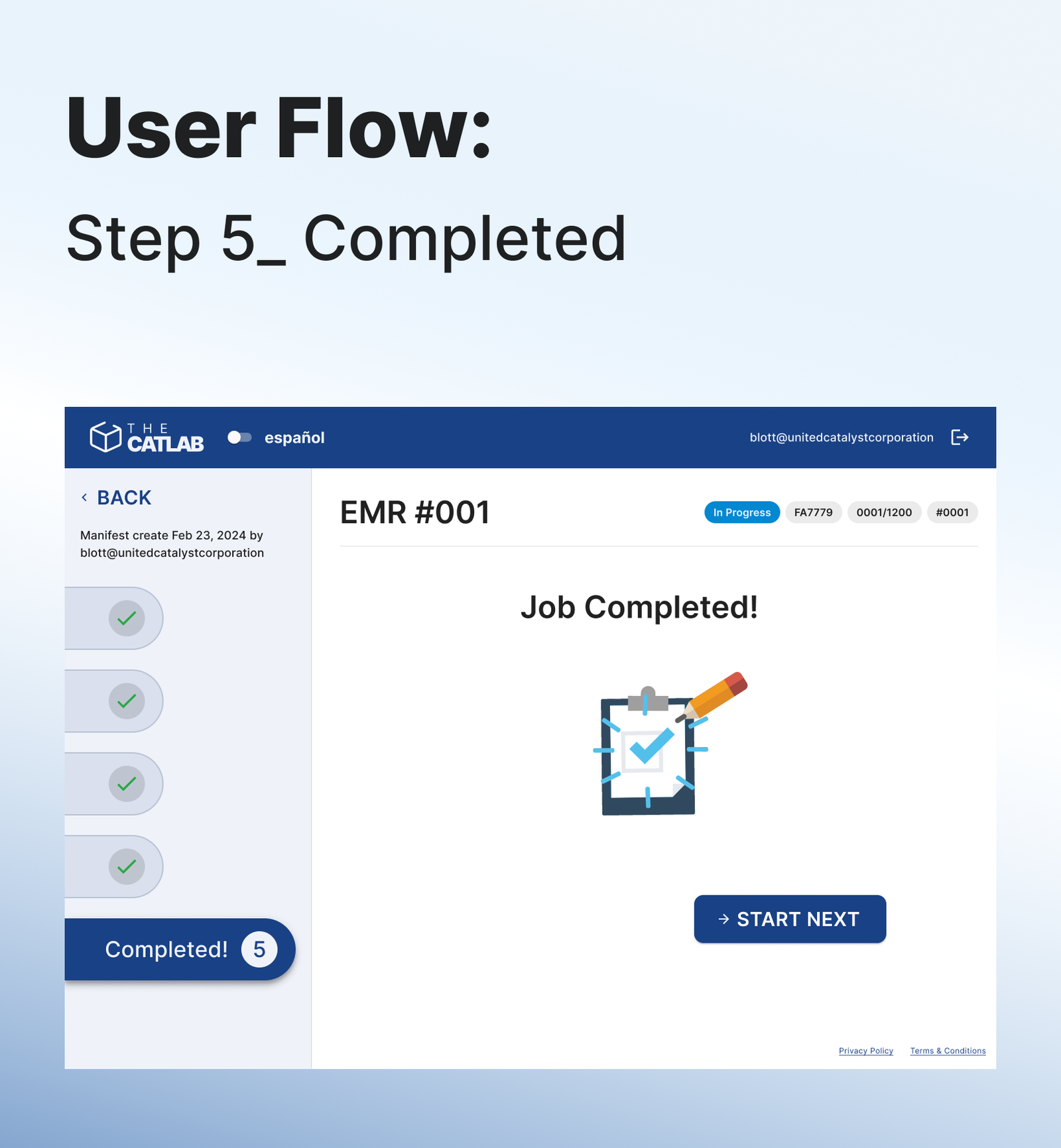
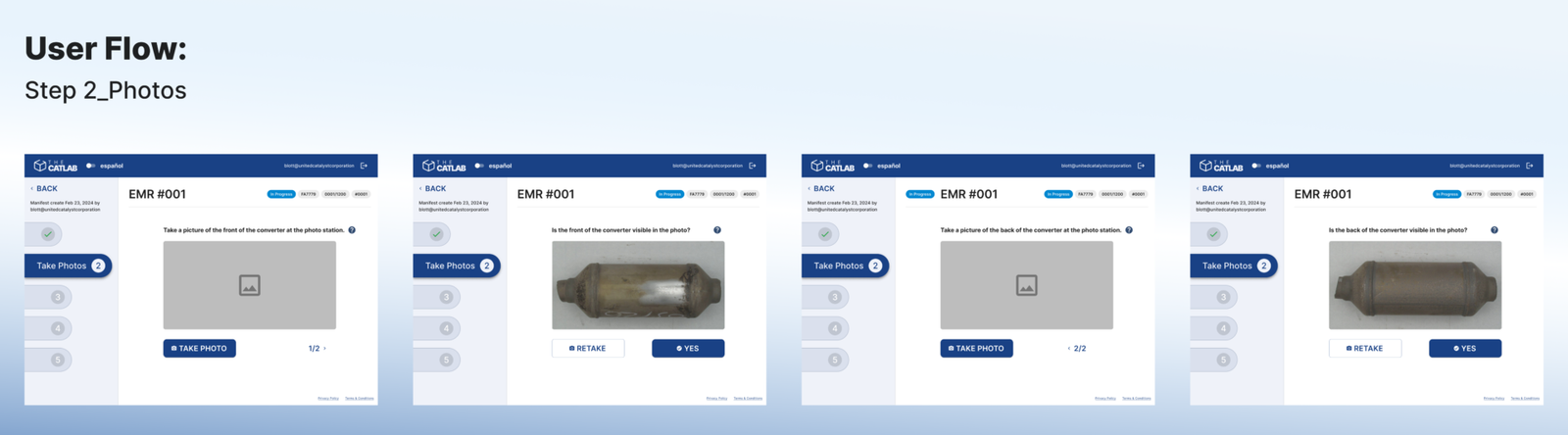
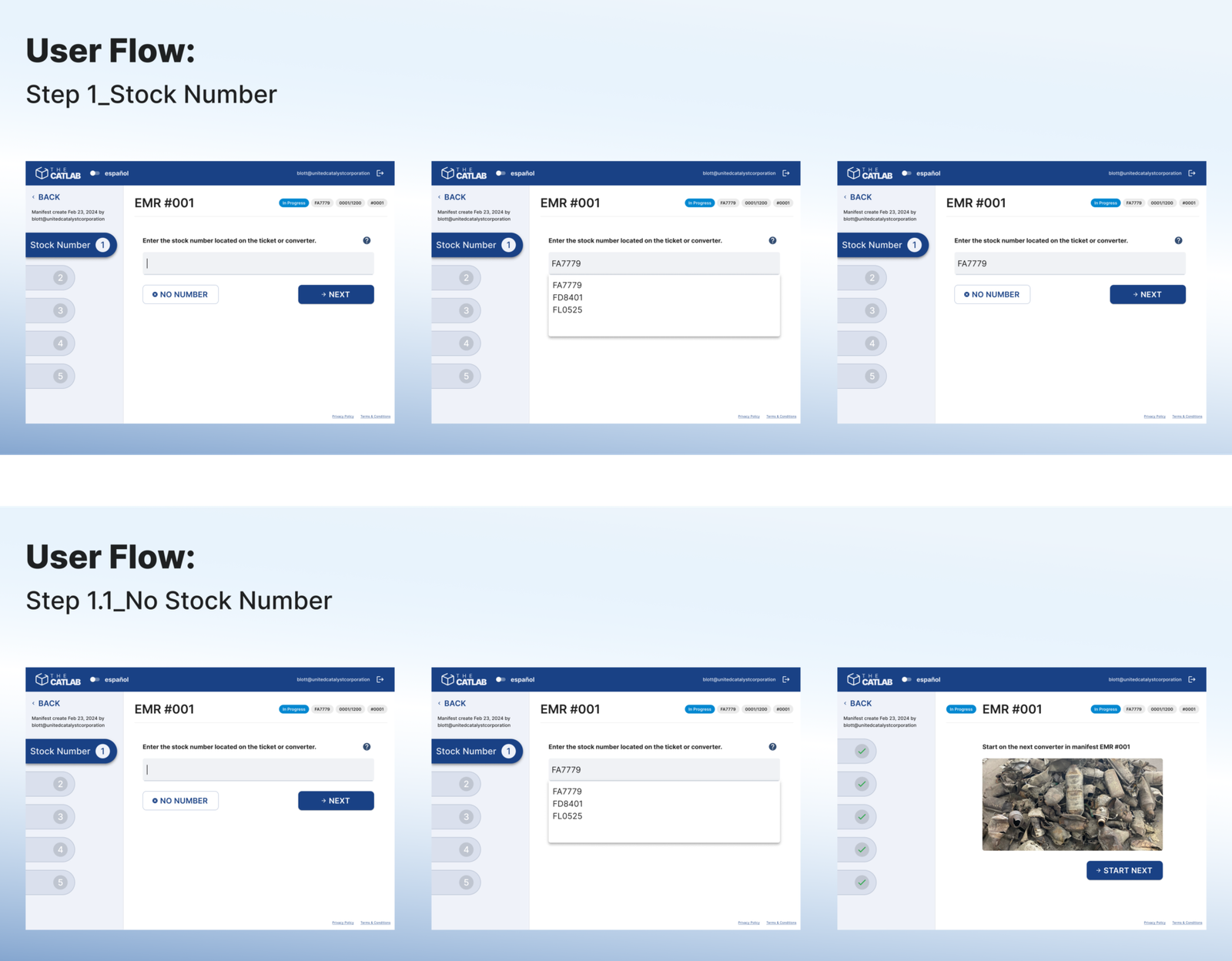
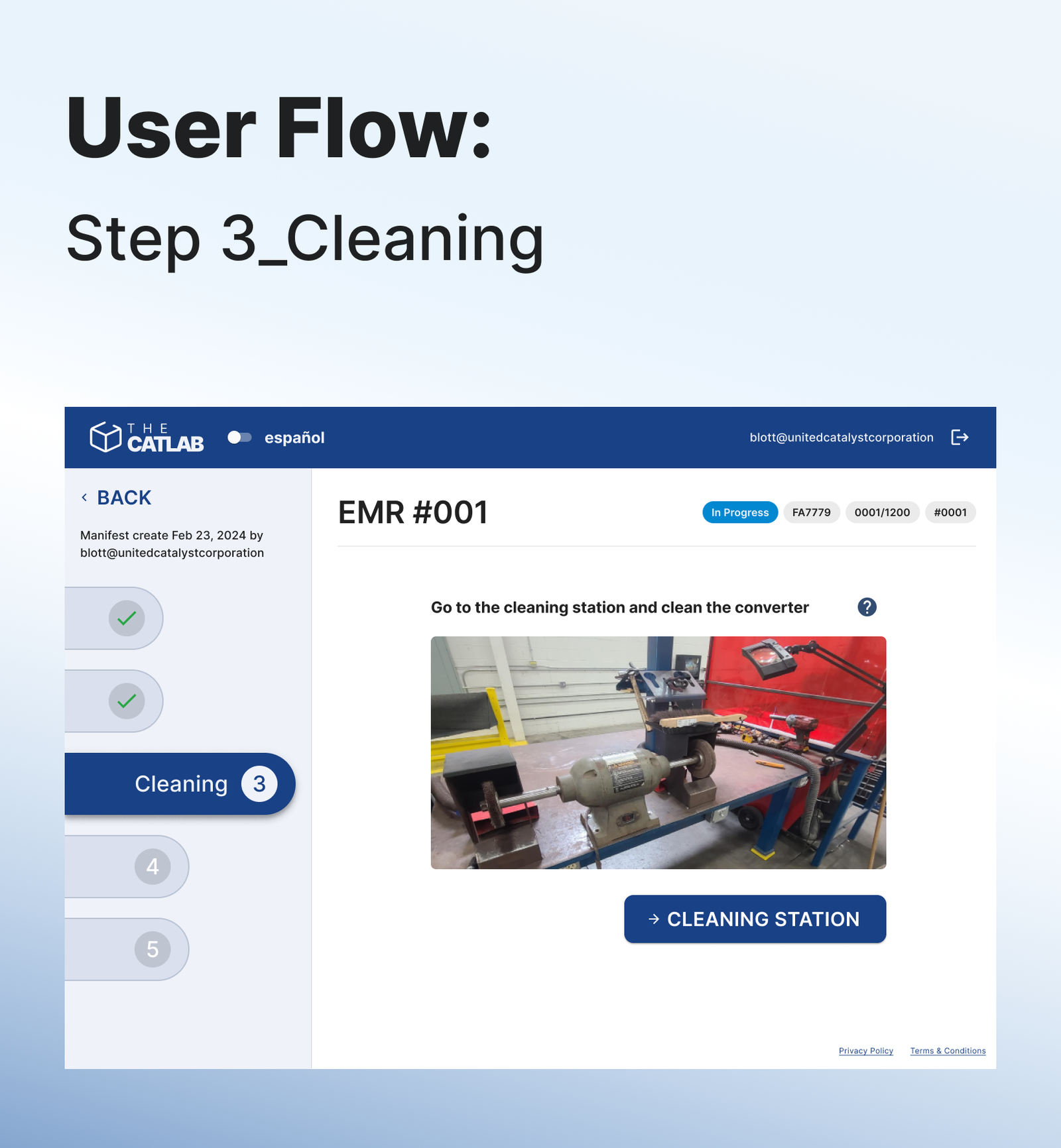
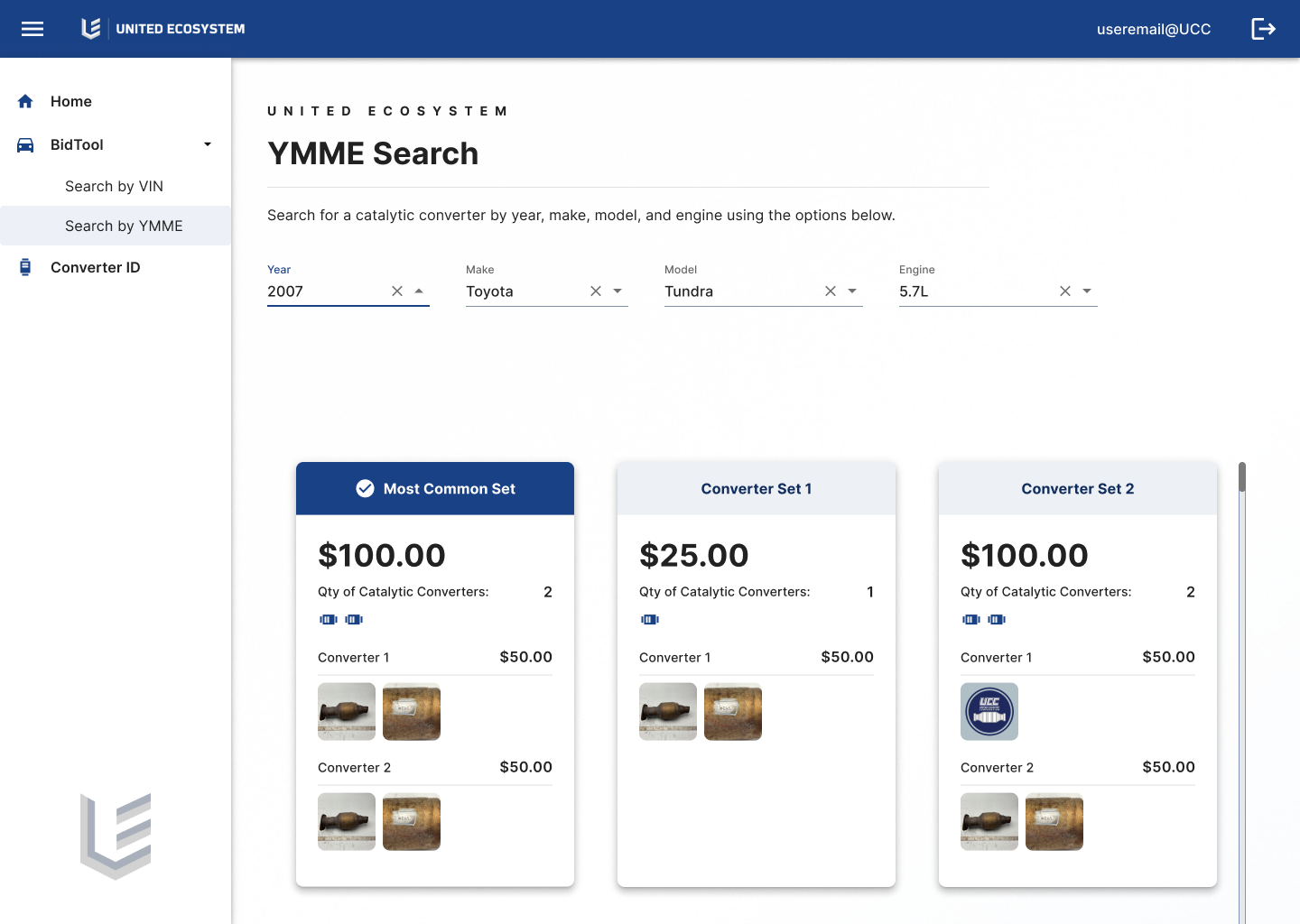
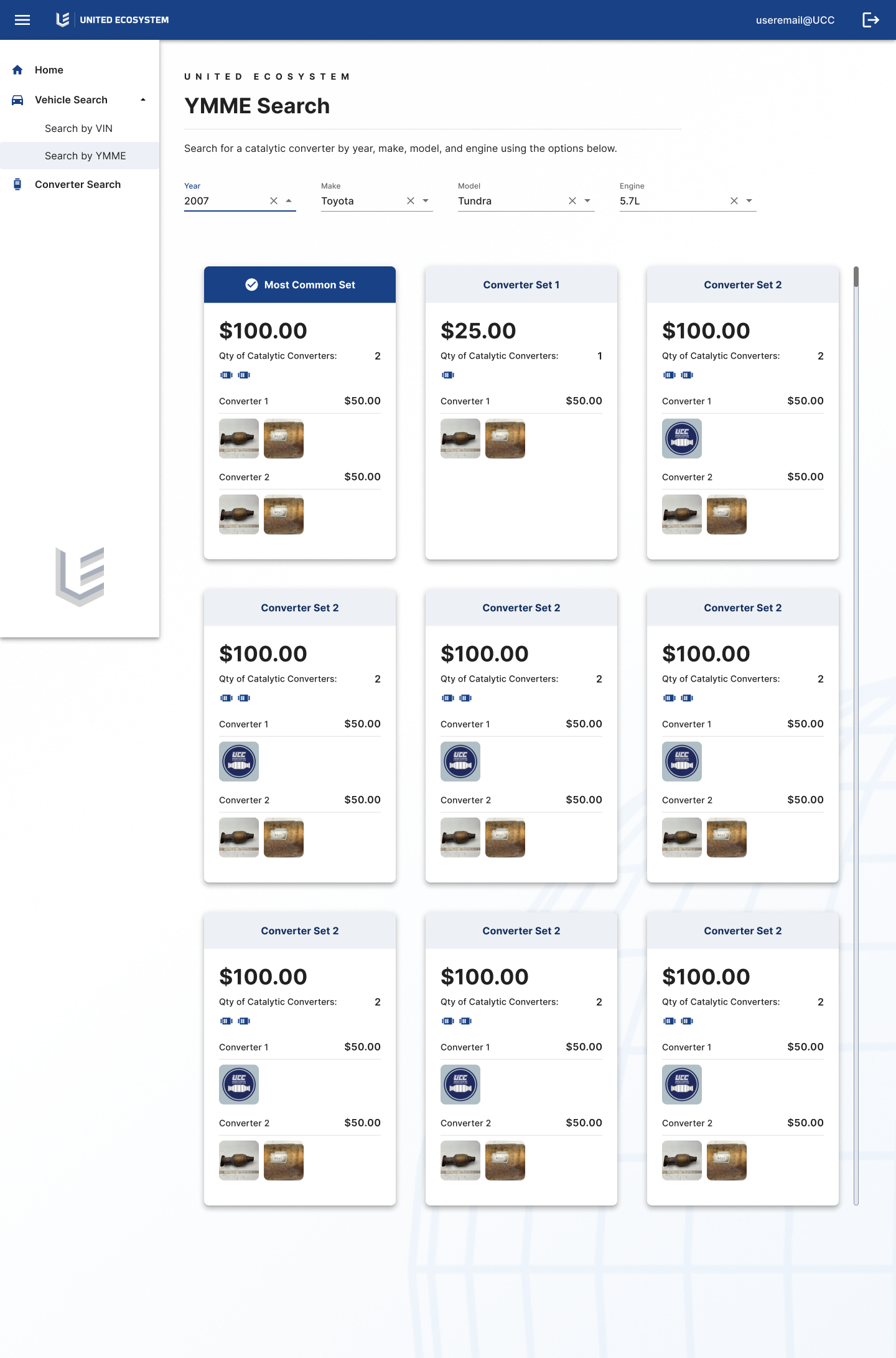
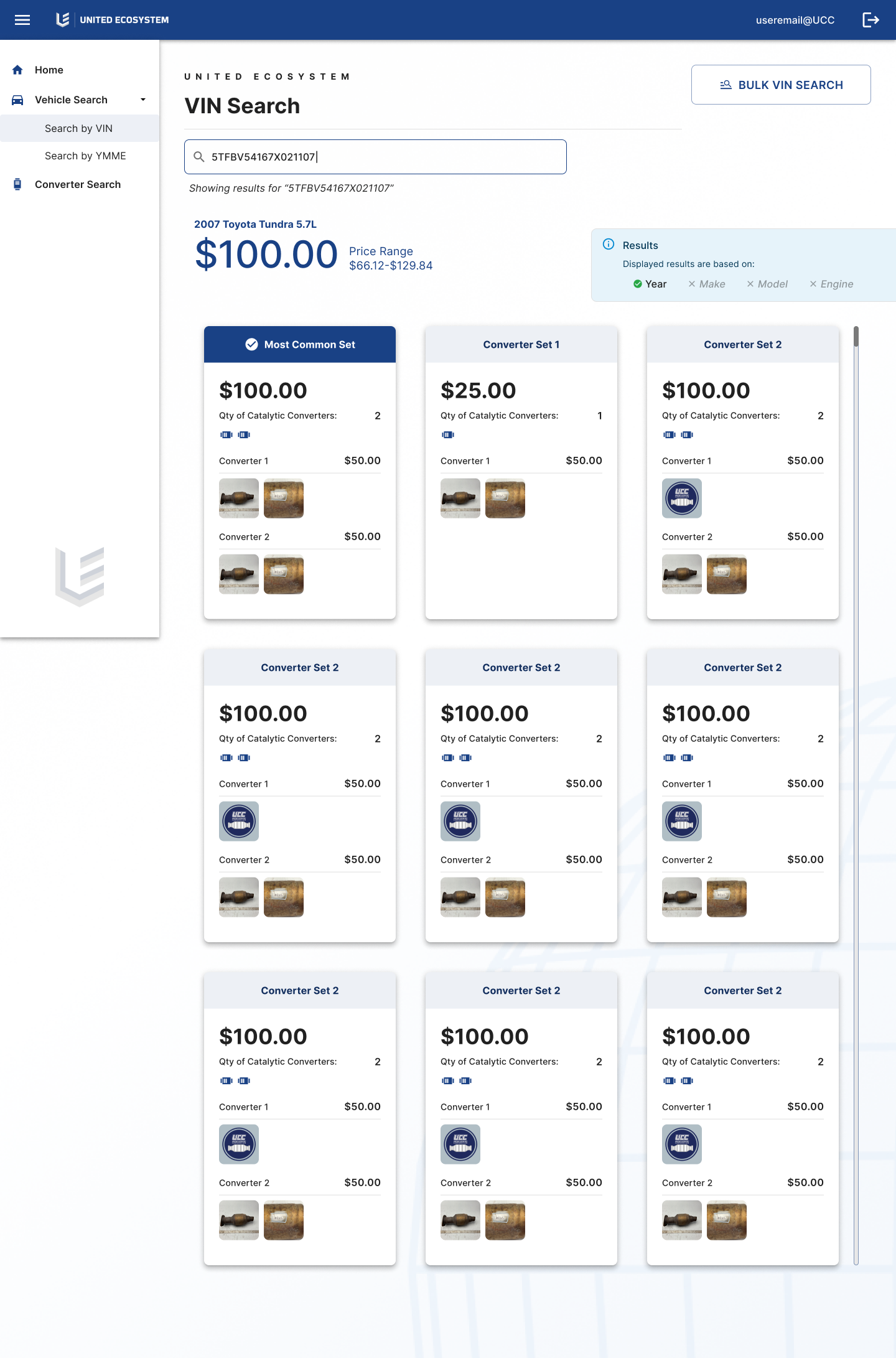
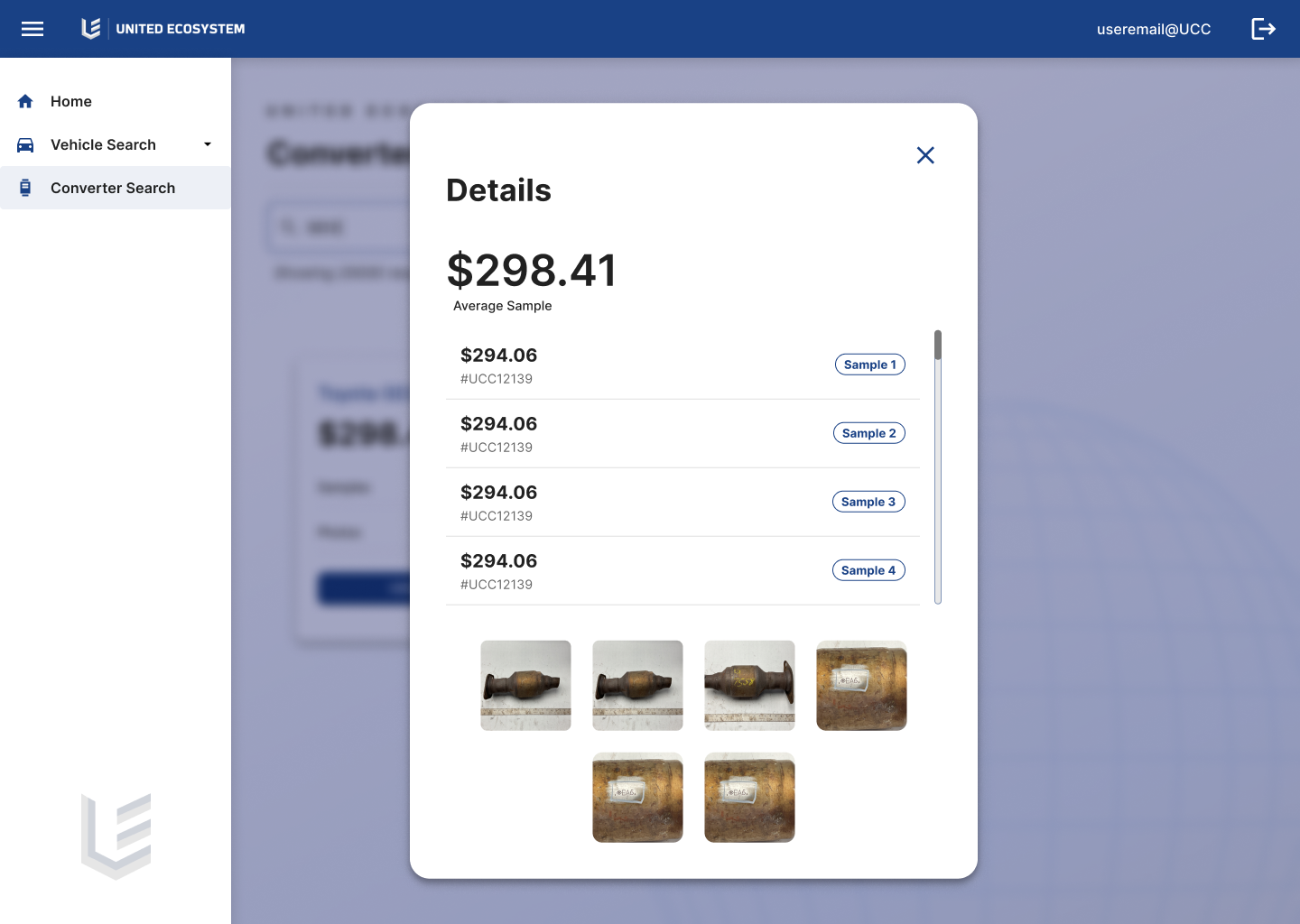
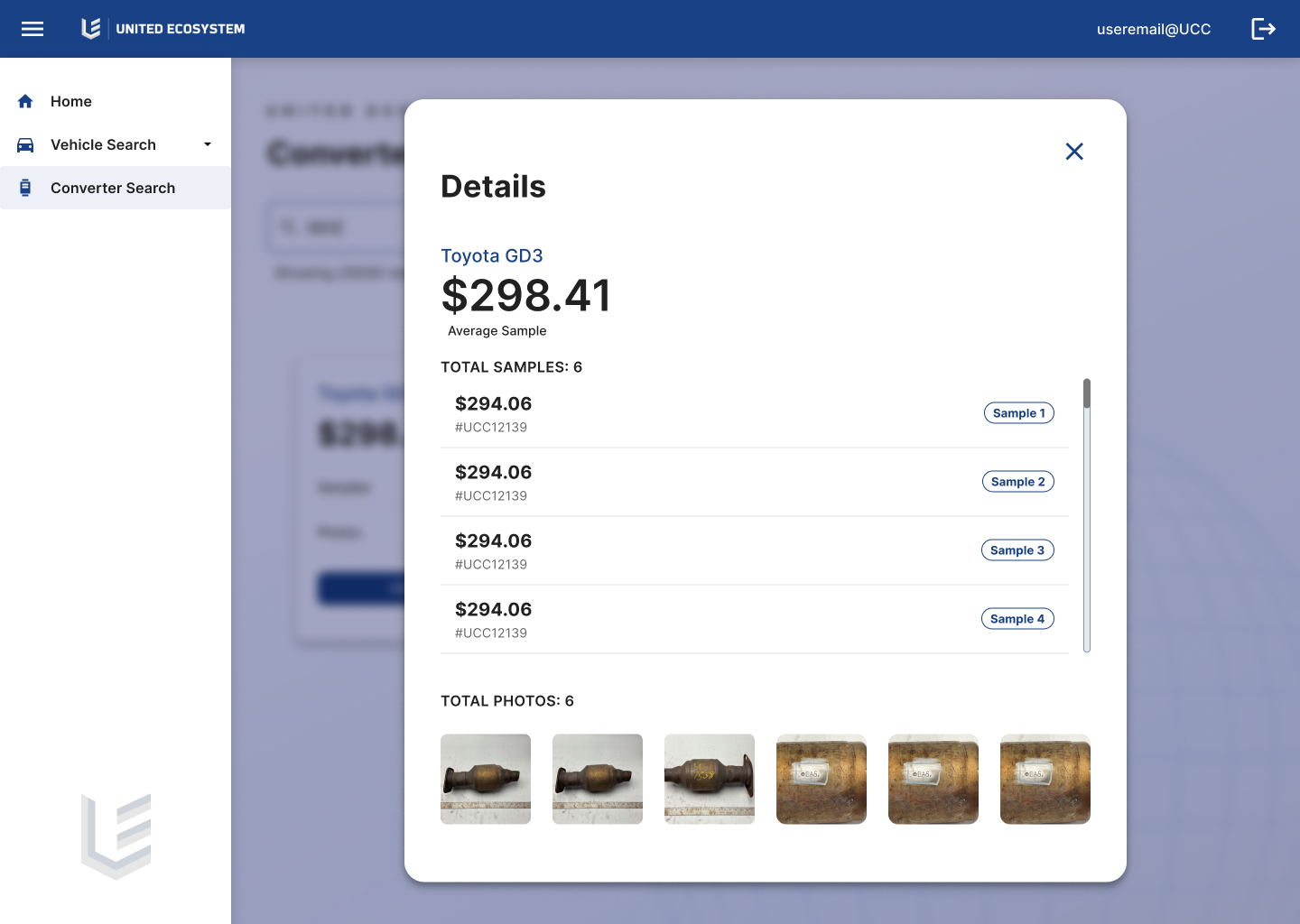
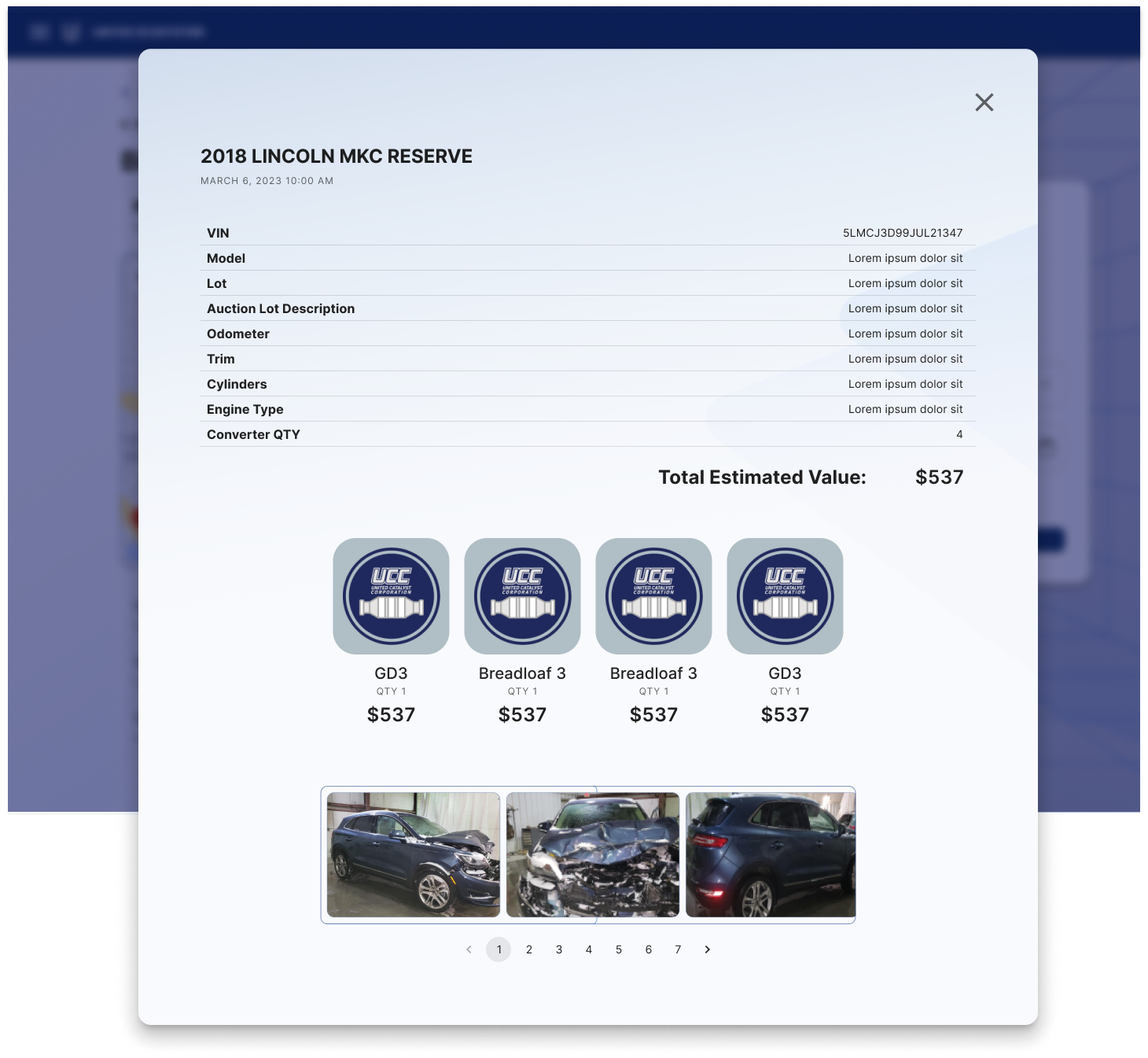
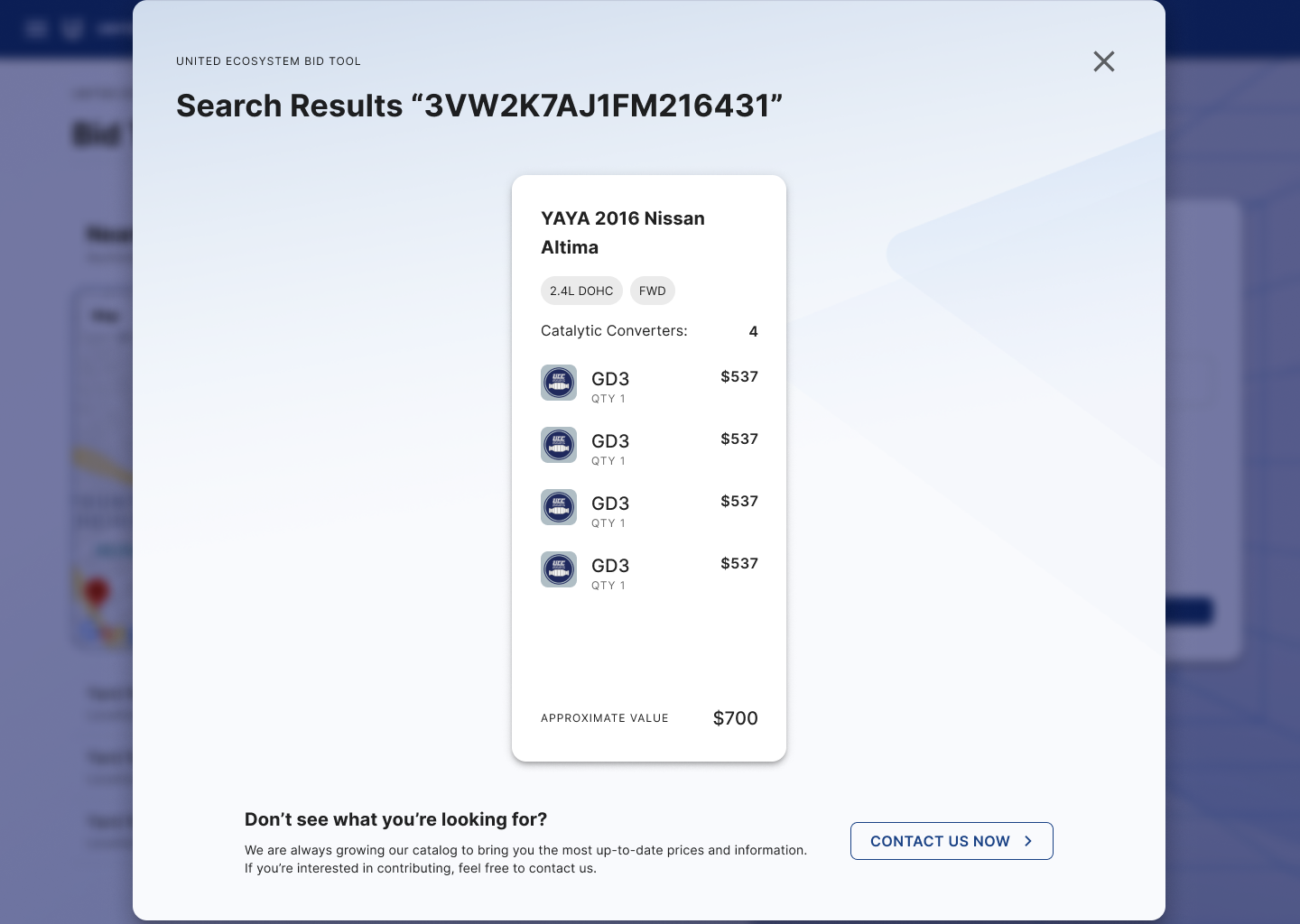
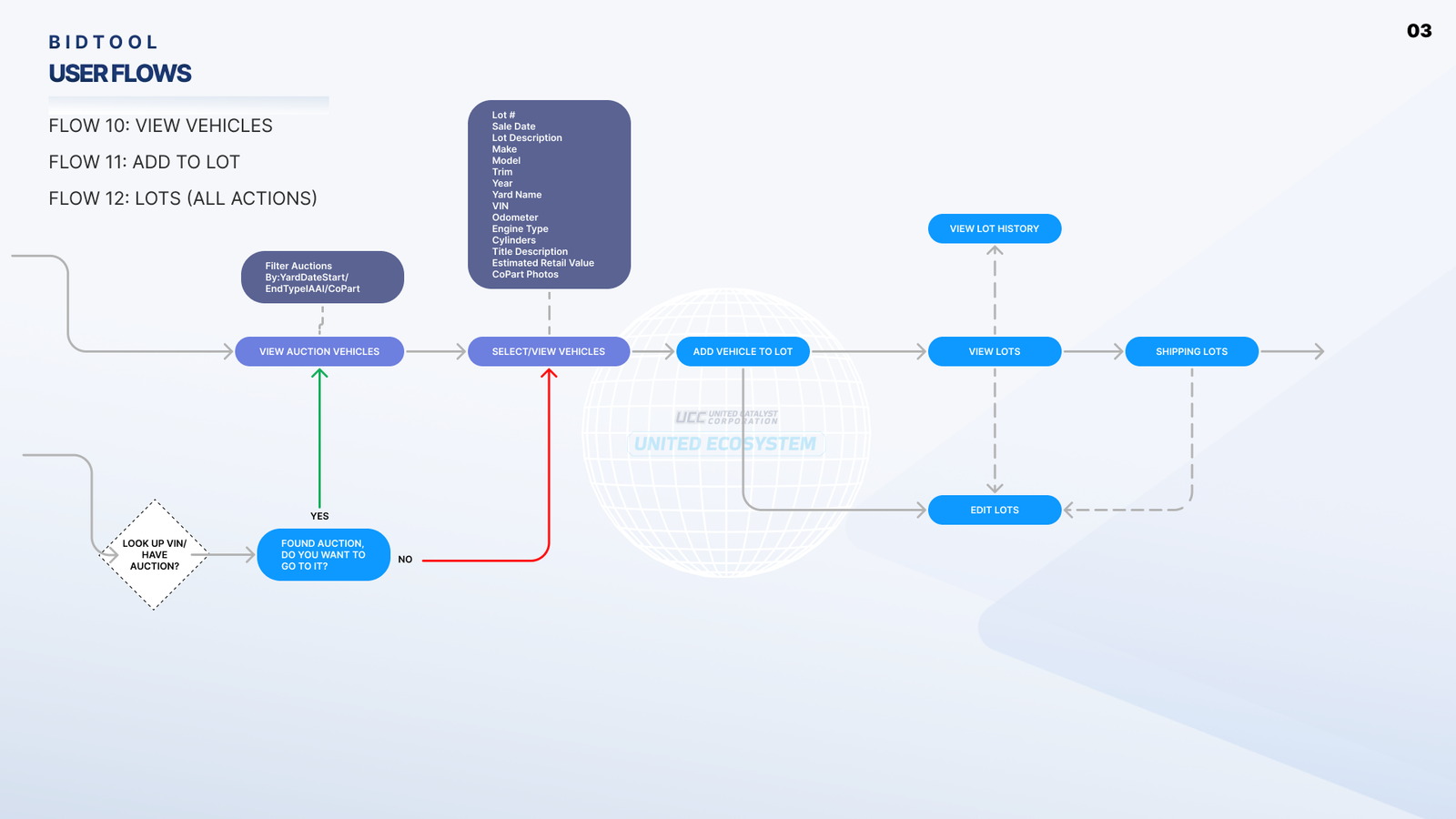
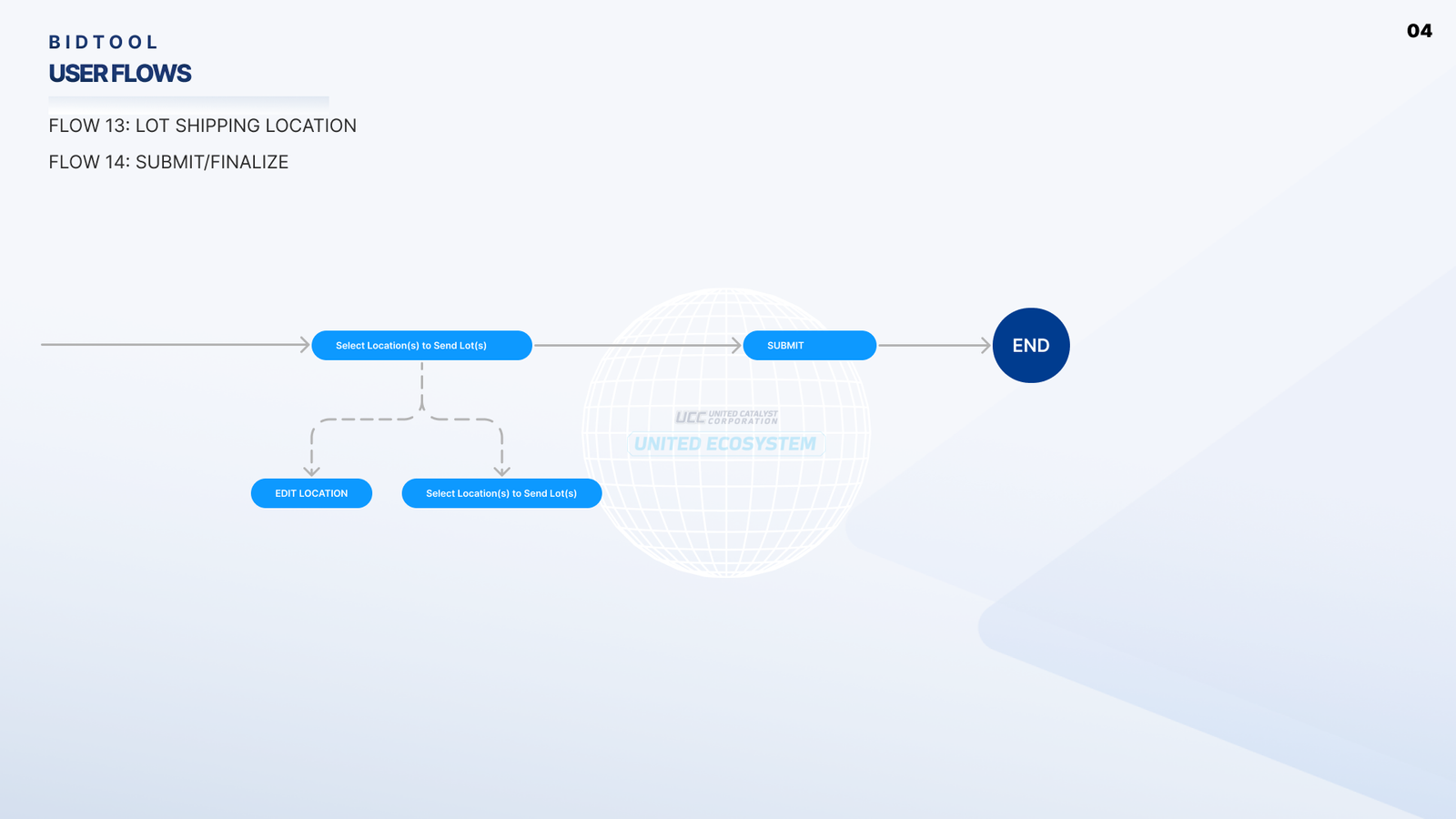
Each step in the workflow will be clearly defined, with integrated instructions and prompts designed to guide users through the correct Standard Operating Procedures (SOPs). The interface will feature an input field, detailed instructions, and, crucially, a 'Need Help' button. When selected, this button will display a screen offering step-by-step guidance, complete with visual aids to assist users in understanding each phase of the process.
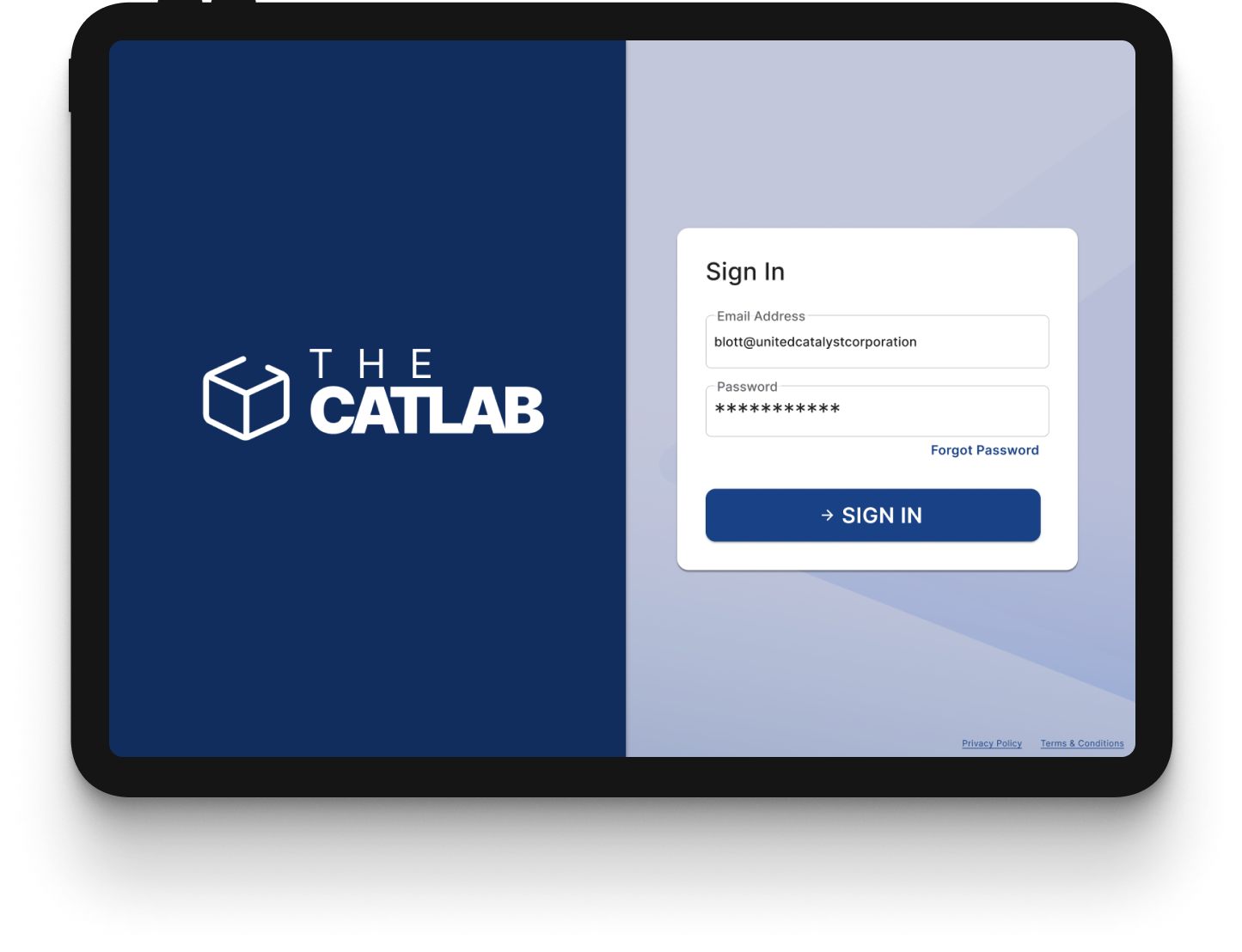
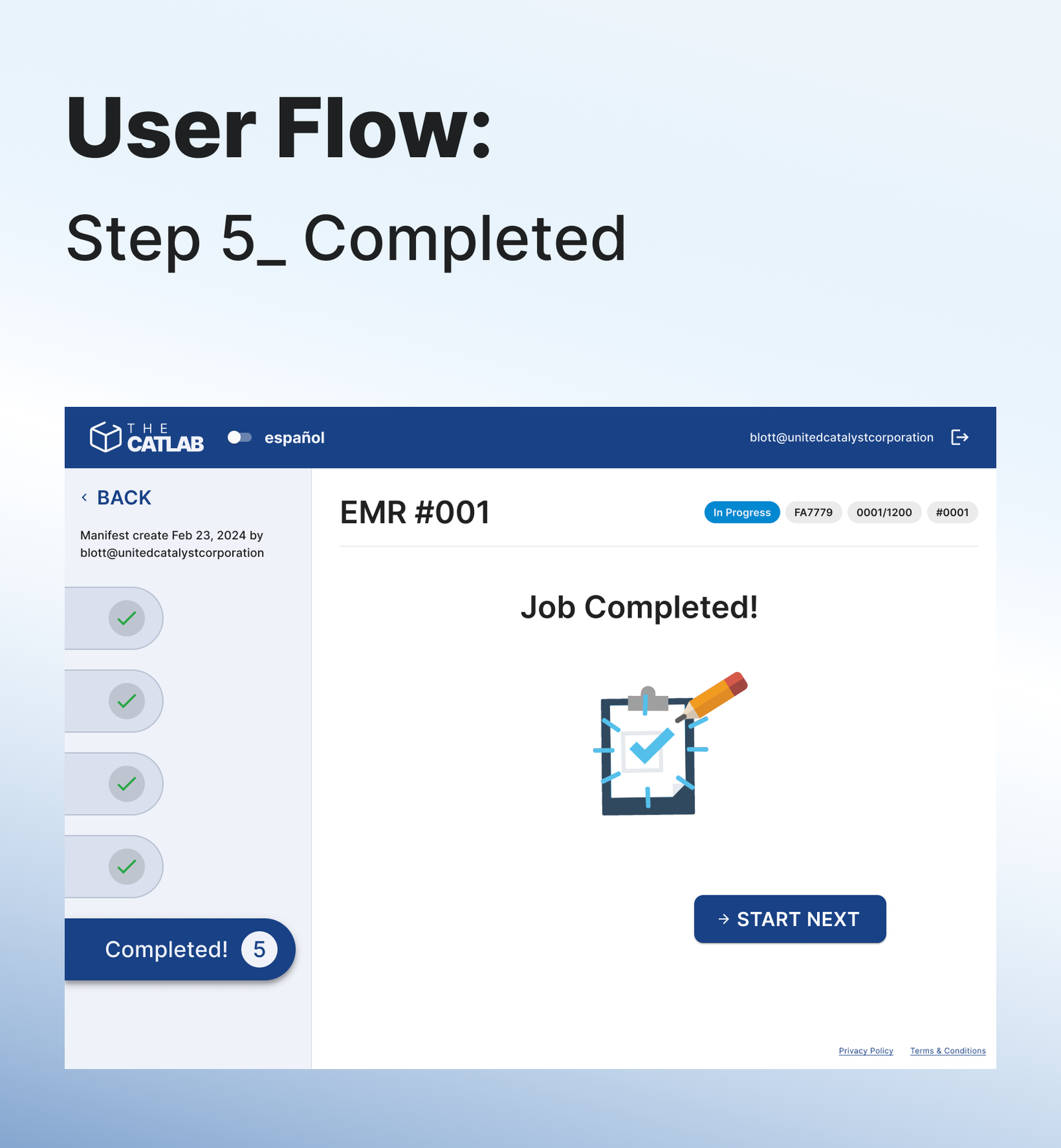
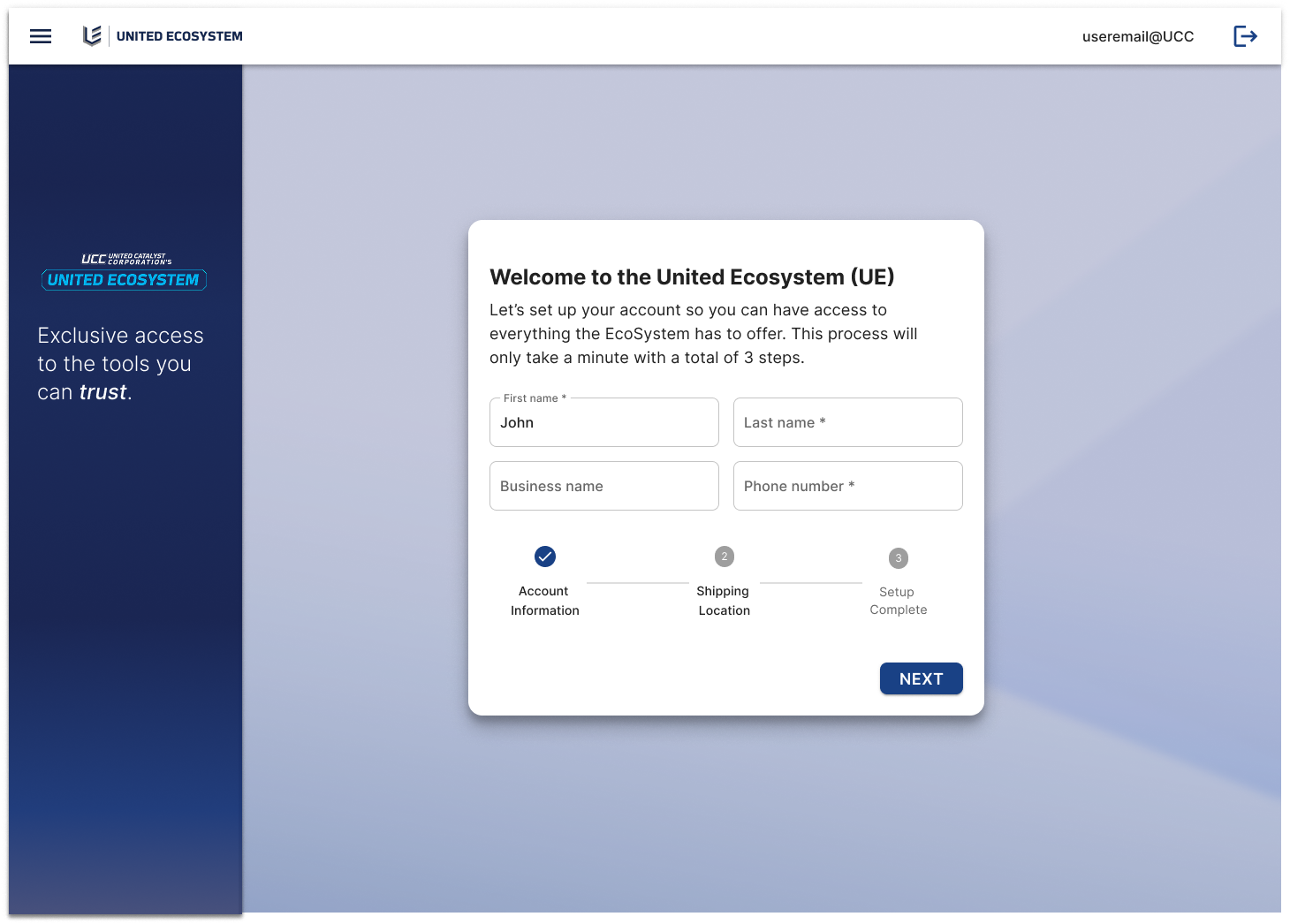
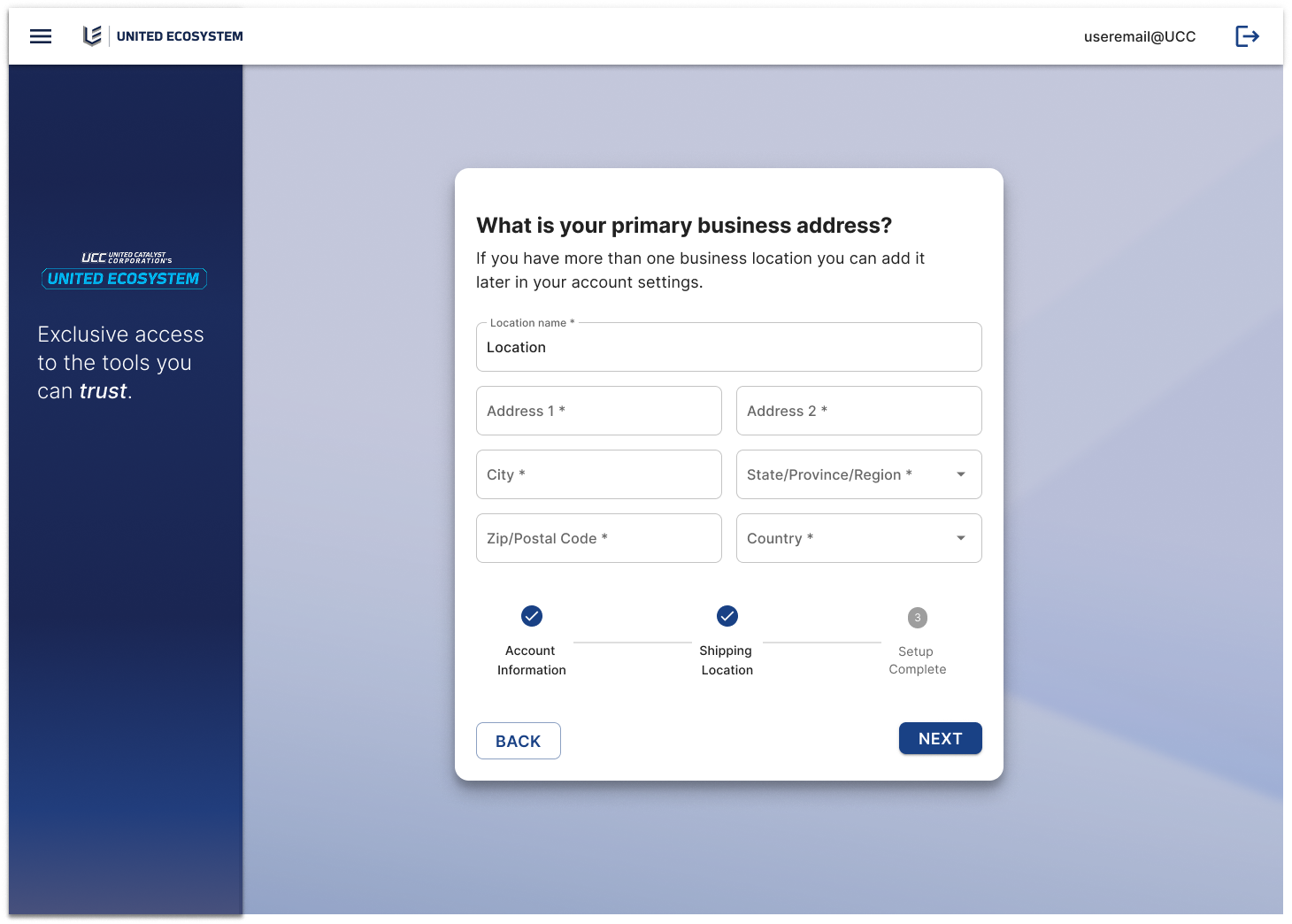
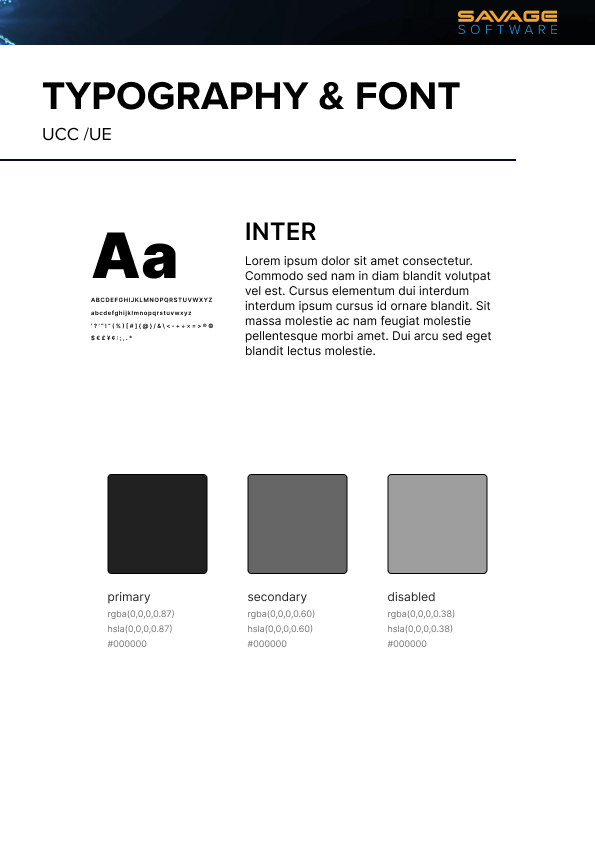
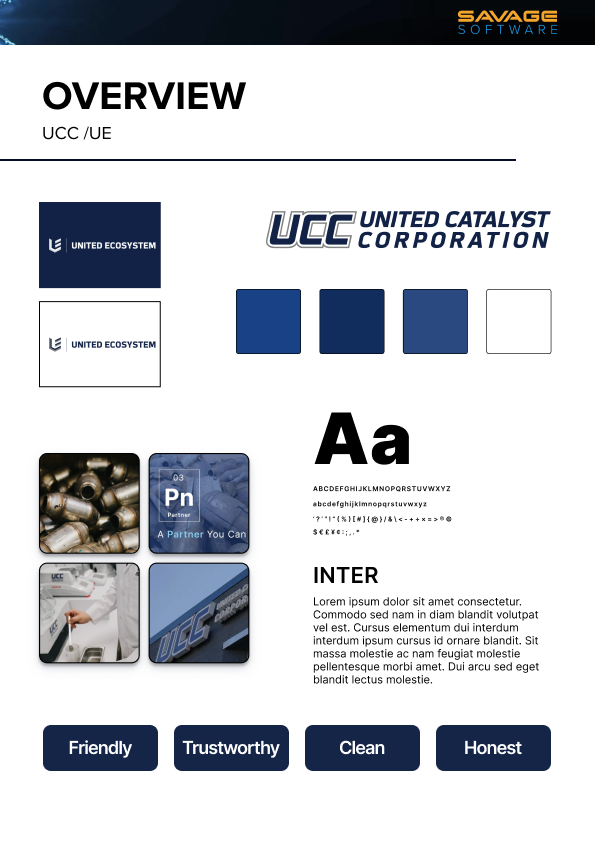
The user interface was designed with the end users in mind, featuring large, intuitive buttons and tabs that are easy to see and interact with.
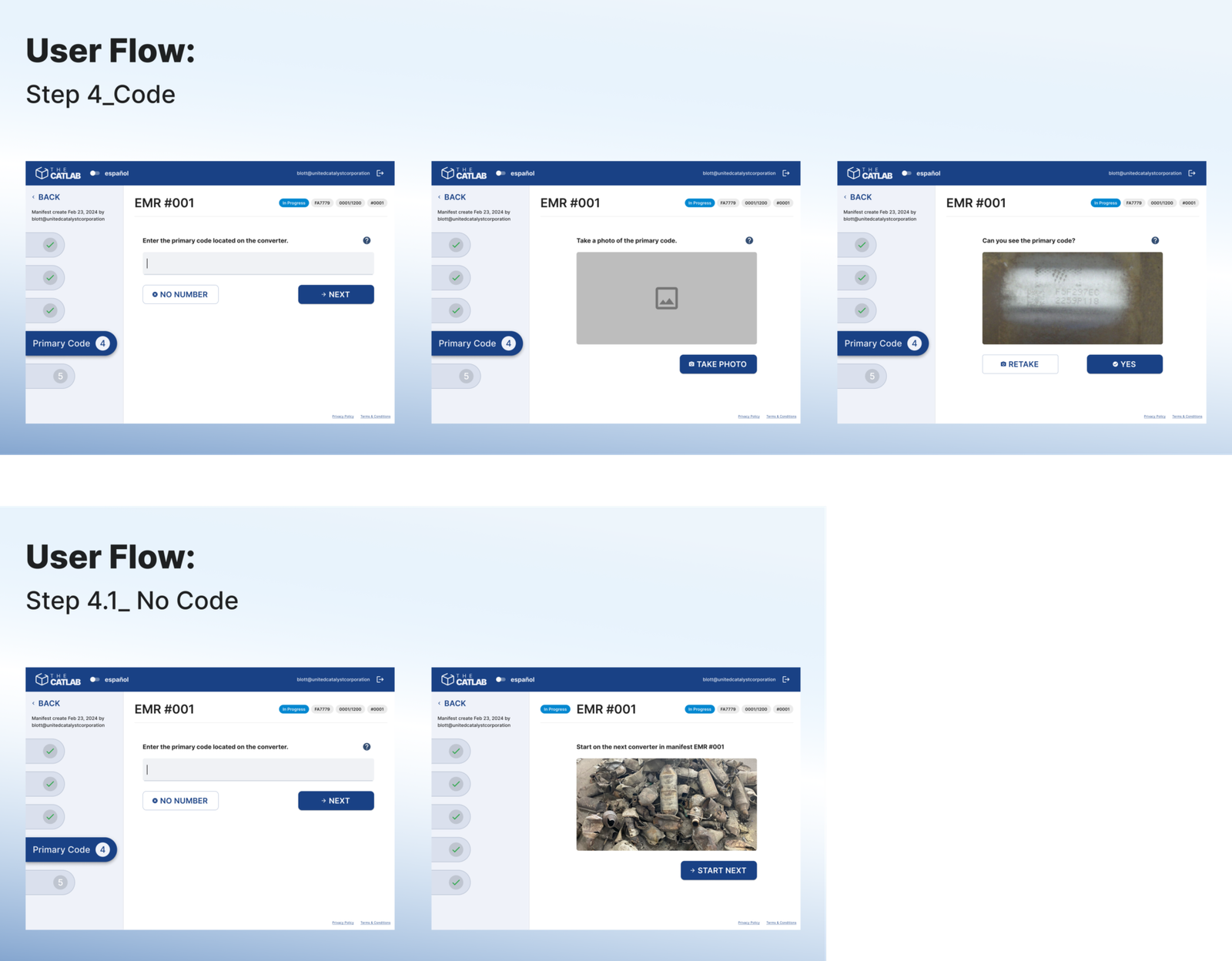
By allowing the user only to move on to the next screen once the step was completed, we ensured that users were following the correct process.
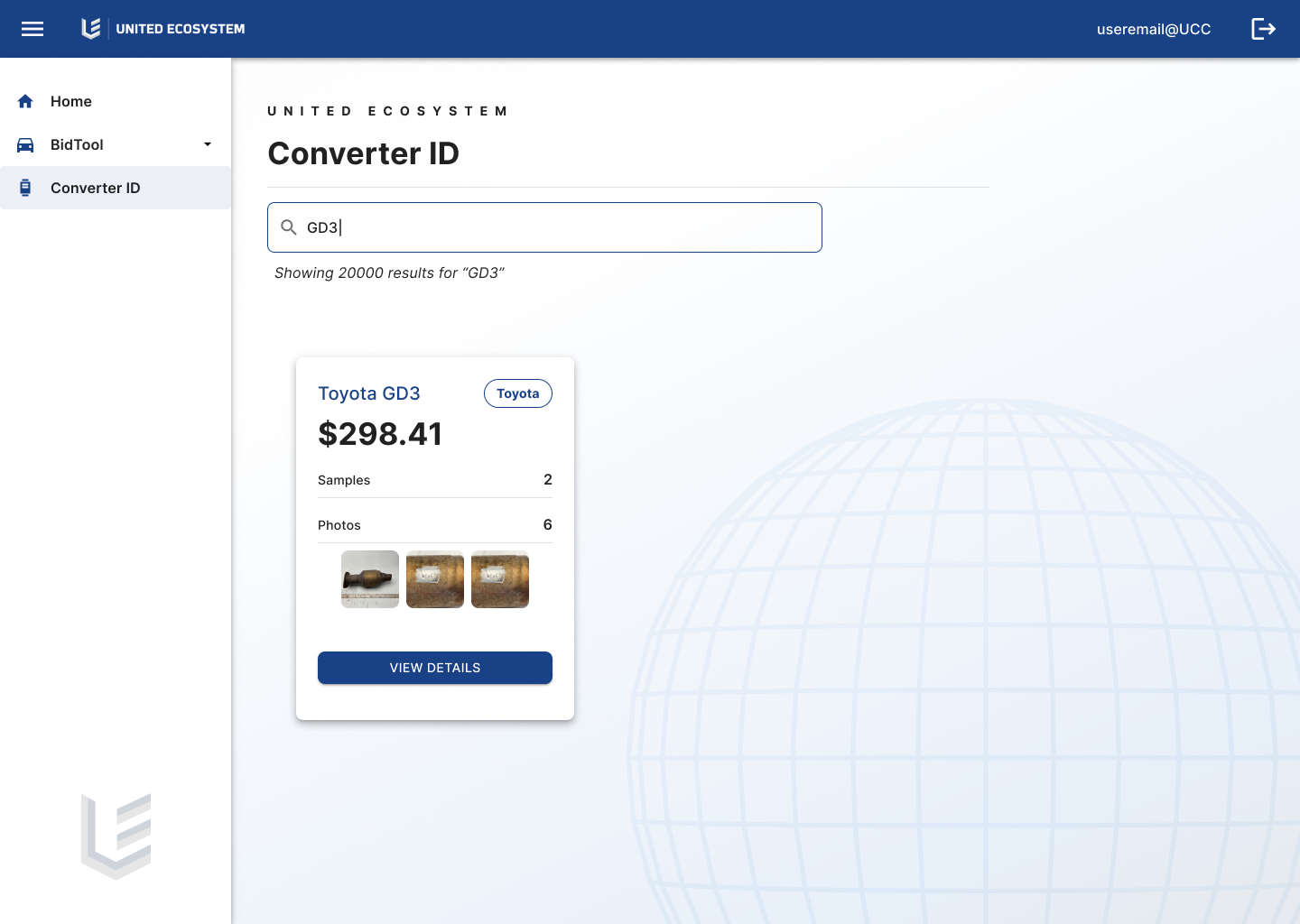
There were definitely some struggles. The Stakeholder had never worked in the warehouse, and was sure that it should be done a certain way, despite protests from his workers. I find in almost all projects there's a disconnect between the boss and employees who are actually doing the work. . I try my best to bridge this gap with information, such as anonymous user interviews, and SUS scores etc.
I eventually convinced him to come down to the warehouse, where he could see how smoothly it was going with the new system, and showed him the previous data vs the new.
Before implementation there was an average of 15 errors per 100 units of material, after the implementation we saw an improvement to 2 errors per 100 units of materials, resulting in an 87% reduction in the error rate (on average)
Original time per material was 6 minutes, after implementation it was brought down to 1 minute, resulting in an 83% reduction in inventorying time (on average).
The implementation reduced training time for new hires by 80%, from 10 hours to 2 hours(on average).