Case Study
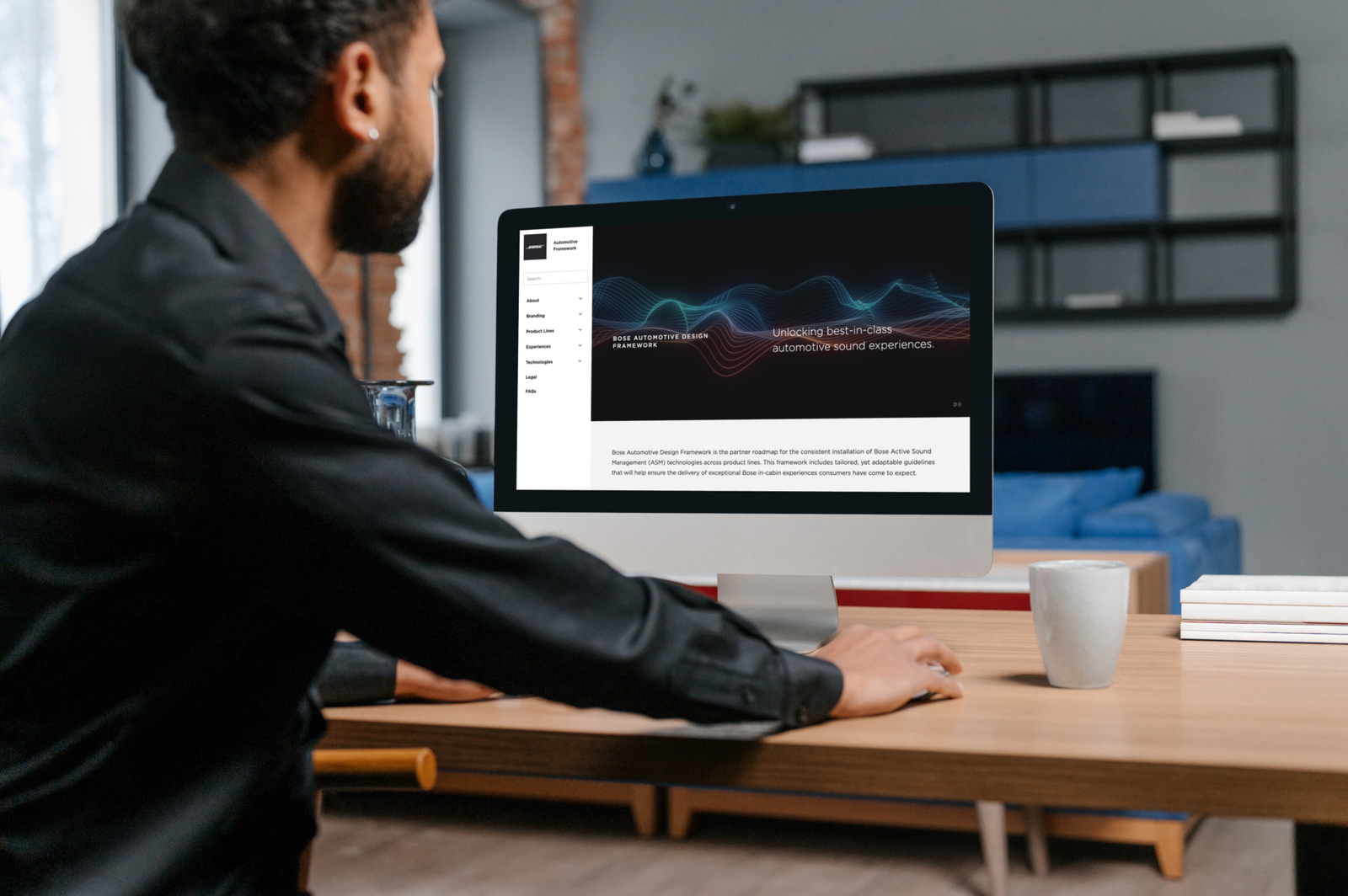
This case study is a brief overview of utilizing user research, and best practices of UX/UXR to help provide solutions for Bose’s Audio Engineers.
Please note, there is limited information that can be shared on this project.
Bose
UX/UXR
Custom Enterprise Software
2022
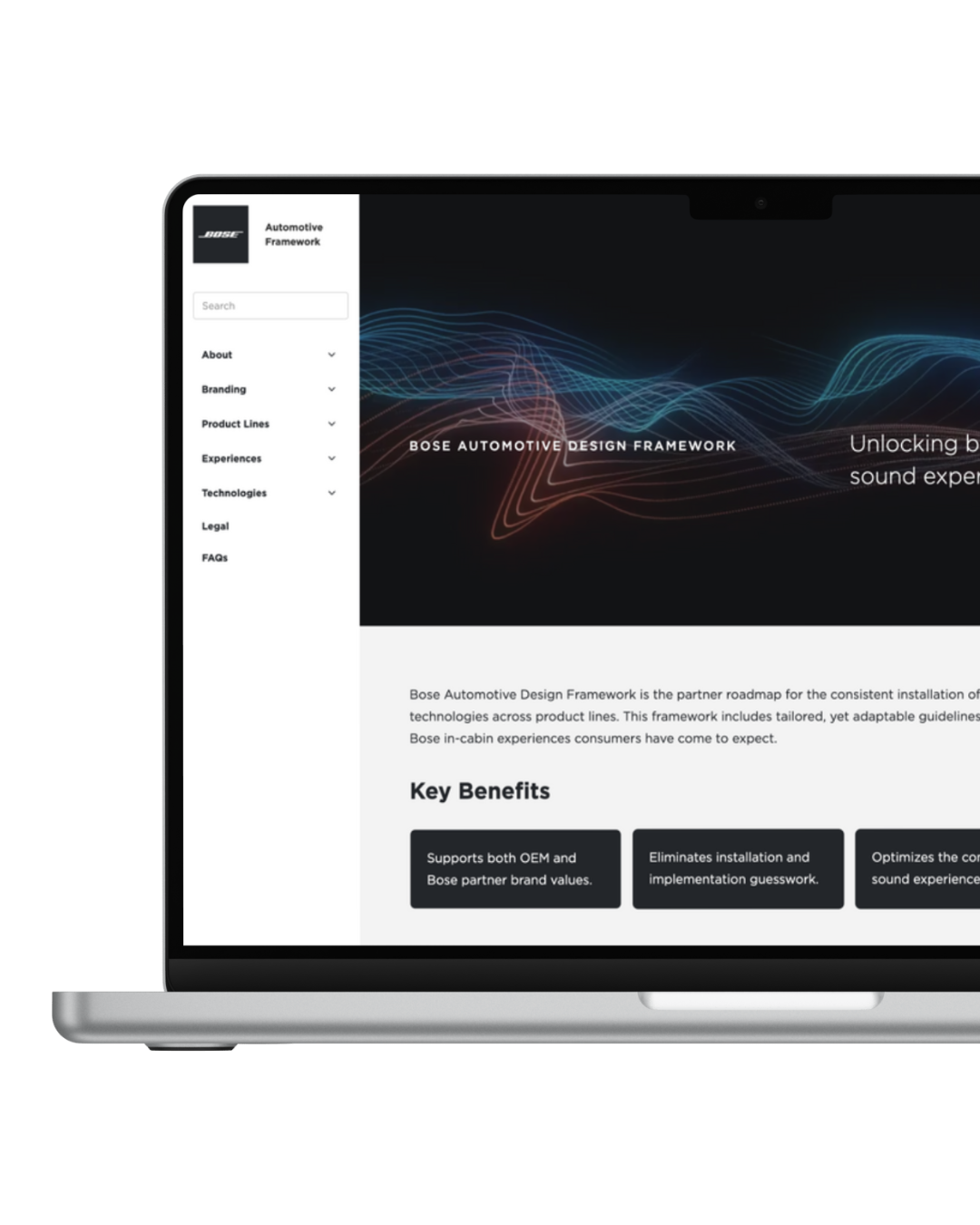
Design and implement a user-friendly system that allows Internal Audio Engineers to efficiently find and access technical information on products, enabling streamlined work processes and improved productivity.
As an Audio Engineer, there is currently no efficient system to easily access technical information on products manufactured by the client. This lack of streamlined access forces engineers to spend significant time searching for documents and diagrams, hindering productivity and potentially delaying project timelines.
-Time-consuming searches for critical information.
-Workflow inefficiencies and reduced productivity.
-Increased risk of errors due to outdated or incomplete documentation.
-Observable increase in productivity and reduced frustration with document access.
-Positive feedback from engineers, with high SUS scores indicating excellent usability.
-Efficient Search Functionality: Rapid retrieval of company technical documentations and guides with advanced search and filtering options.
-Organized Document Repository: Clear categorization and labeling of documents.
-Up-to-Date Information: Access to the latest versions of technical documents.
-Reliable and Accurate Search Results: An advanced search engine that delivers precise and relevant results based on user queries.
-User-Friendly Interface: A simple, intuitive, and easy to use interface that minimizes the learning curve for newer engineers while still performing needed functionality for more senior engineers.
-Comprehensive Documentation: A complete and thorough collection of all relevant technical documents, including manuals, diagrams, and policies.
-Difficulty in Locating Specific Documents: The current system is inefficient and often returns irrelevant results.
-Time-Consuming Search Processes: Engineers spend excessive time searching for necessary information, impacting productivity.
-Outdated or Inconsistent Documentation: Frustration with outdated or incomplete documentation that can lead to errors and delays.
-Search Efficiency: Engineers can quickly an accurately find the documents they need.
-User Satisfaction: Positive feedback from engineers on the usability and functionality of the new system.
-Workflow Improvement: Observable increase in productivity and reduction in time spent searching for information
A single digital library for all technical documents.
Search capabilities with filtering options to improve accuracy.
Easy-to-navigate and visually appealing UI to enhance user experience.
Ensuring access to the latest document versions to maintain information accuracy.
-Improved Efficiency: Significant reduction in the time engineers spend searching for documents, allowing them to focus on more critical tasks.
-Enhanced Usability: A user-friendly interface that minimizes the learning curve and provides a more satisfying user experience.
-Increased Productivity: Streamlined access to up-to-date and comprehensive technical information improves workflow efficiency.
-Better Document Management: Centralized and well-organized document repository with version control ensures access to the latest information, reducing errors and inconsistencies.
-There was a noticeable increase in productivity and a decrease in frustration related to document access.
-Engineers provided positive feedback, reflected in high SUS scores that demonstrate excellent usability.
-Observable increase in productivity and reduced frustration with document access.
The creation and deployment of a new user interface and system for the client’s internal audio engineers led to noticeable gains in efficiency and productivity. By prioritizing user-centered design and conducting iterative tests, we effectively tackled significant pain points, made technical documentation easier to access, and improved overall usability. This project highlights the value of research-focused UX design in developing solutions that align with user needs and enhance workflow efficiency.